

Countless people have made countless attempts to replace their laptops with a tablet. It works, but is far from the supreme solution, because Android tablets, while succeeding at accomplishing essentials like causally browsing the web, watching videos, or checking your email and social media, still lack the dependability of a laptop, especially for running full-scale web experiences, organizing files more elaborately, or even ensuring the same typing or touchpad dexteritity of a laptop.
But what about going the other way and replacing the phone with a tablet? It makes less sense, especially when you imagine holding a big block next to your face while making calls. But cut that image out, and Android tabs (or iPads) can be excellent ways to practice restraint, limit addictive phone usage, without compromising on basic utility.
The OnePlus Pad Go 2 is the perfect candidate for this experiment. It's inexpensive, supports 5G, and does not cost a bomb. I've used the OnePlus Pad Go 2 for over 20 days, and have even tried replacing my phone with it for a few days at a stretch.
With this review, I'll help you decide whether that may or may not work for you, starting with its positives.
The Great
Good, reliable battery
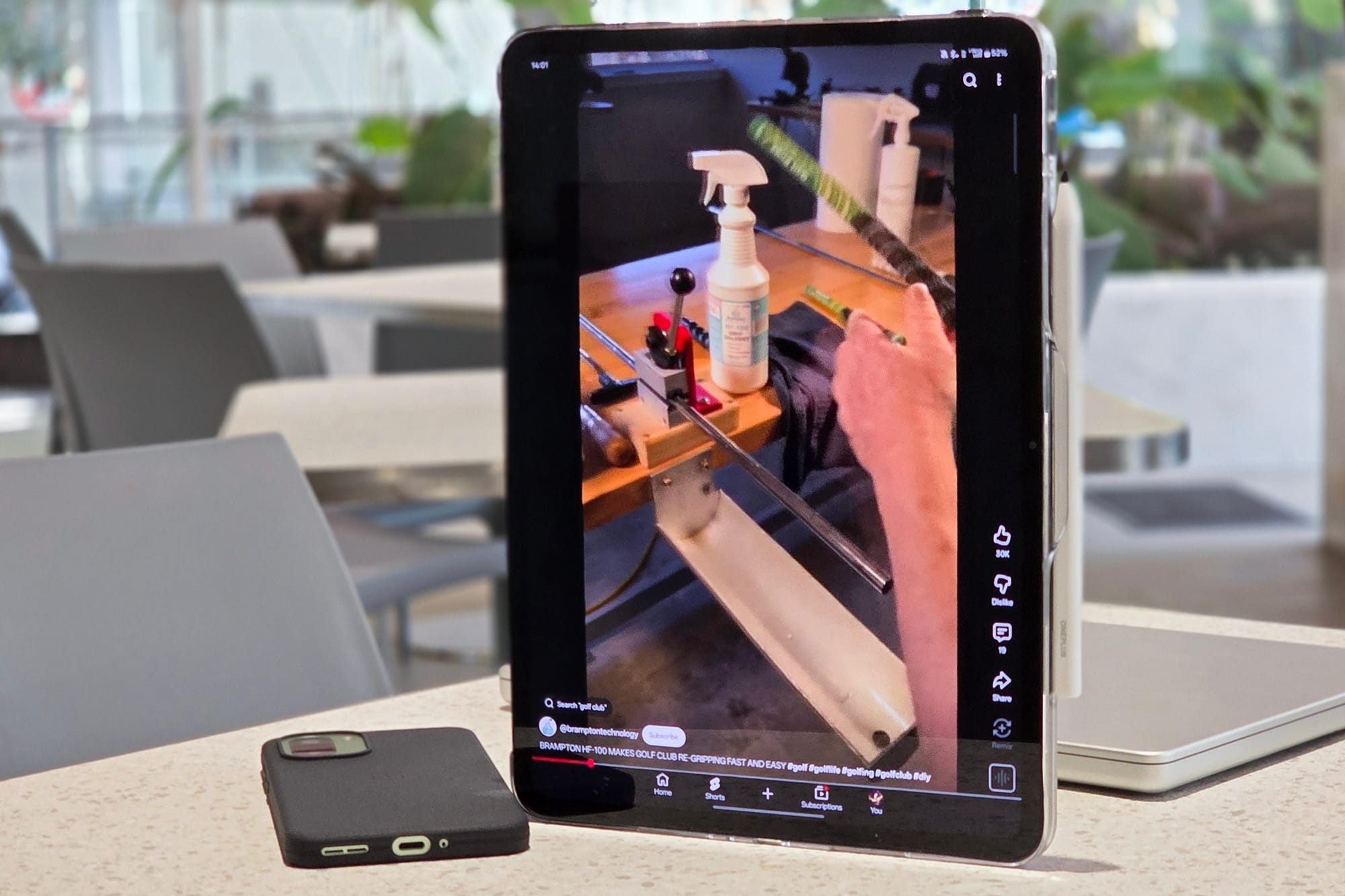
The Pad Go 2 is backed by a solid 10,050mAh battery, which even defies the needs of that sizeable 12.1-inch screen. I have been able to easily churn out more than 2 days of backup with substantial usage, both indoors and out. The latter means, 5G also sucks battery out of it, despite which the tablet did not withdraw from serving me well.
Days with less usage and more idle hours obviously extended the backup. I'm surprised how standby backup on OnePlus devices, not just the tablet in general, has become stupidly good.
The tablet did not die on me despite straight five-hour binge marathons. I've obviously taken it with me on travels, and single-digit drops while watching full movies have totally left my jaw hanging in the air, like a deserted tourist at a faulty bungee-jumping facility.
Display's pretty go-od 2
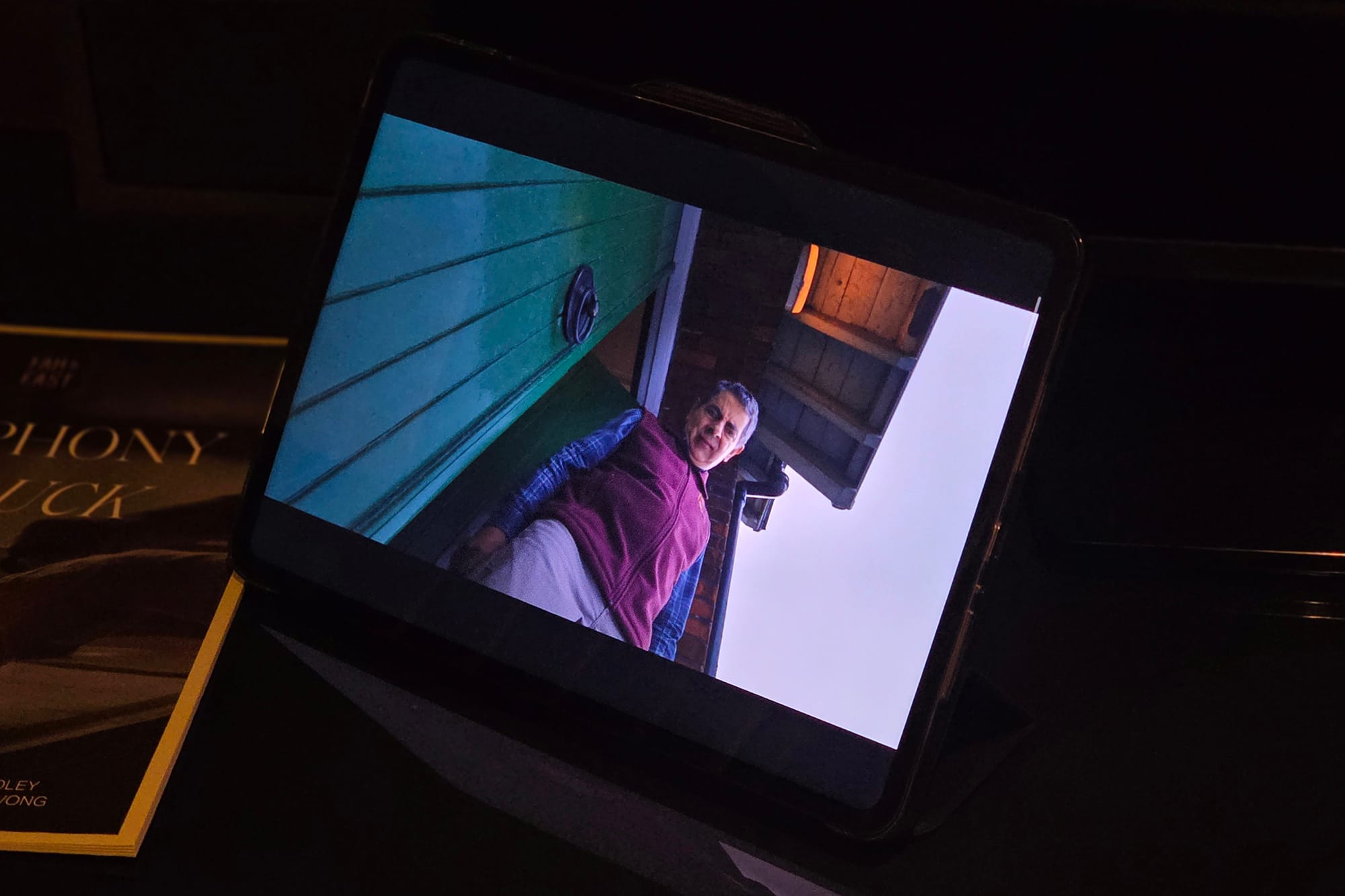
The next big highlight for me is the 2.8K 120Hz IPS display on the Pad Go 2, which is spectacular for what it costs. The colors are vivid, and the white balance doesn't stray towards blue, as it usually does on affordable IPS panels.
OnePlus also promises 900 nits of brightness and Dolby Vision to help enjoy video content much better.
I'm a sucker for good HDR visibility, and enjoying Netflix series, such as Rowan Atkinson's Man vs. Bee, has been a delight. Since the display is not 16:9 (or a conventional content format), the empty black bands can feel bothersome, especially in low light. Though in brighter scenarios, this doesn't seem to be an issue.
Daylight visibility, primarily outdoors, can be a challenge due to the highly reflective display, but I've used the Pad Go 2 on different occasions at places like airport waiting areas, cafes, or while riding cabs, and visibility has barely been an issue.
5G is a big plus
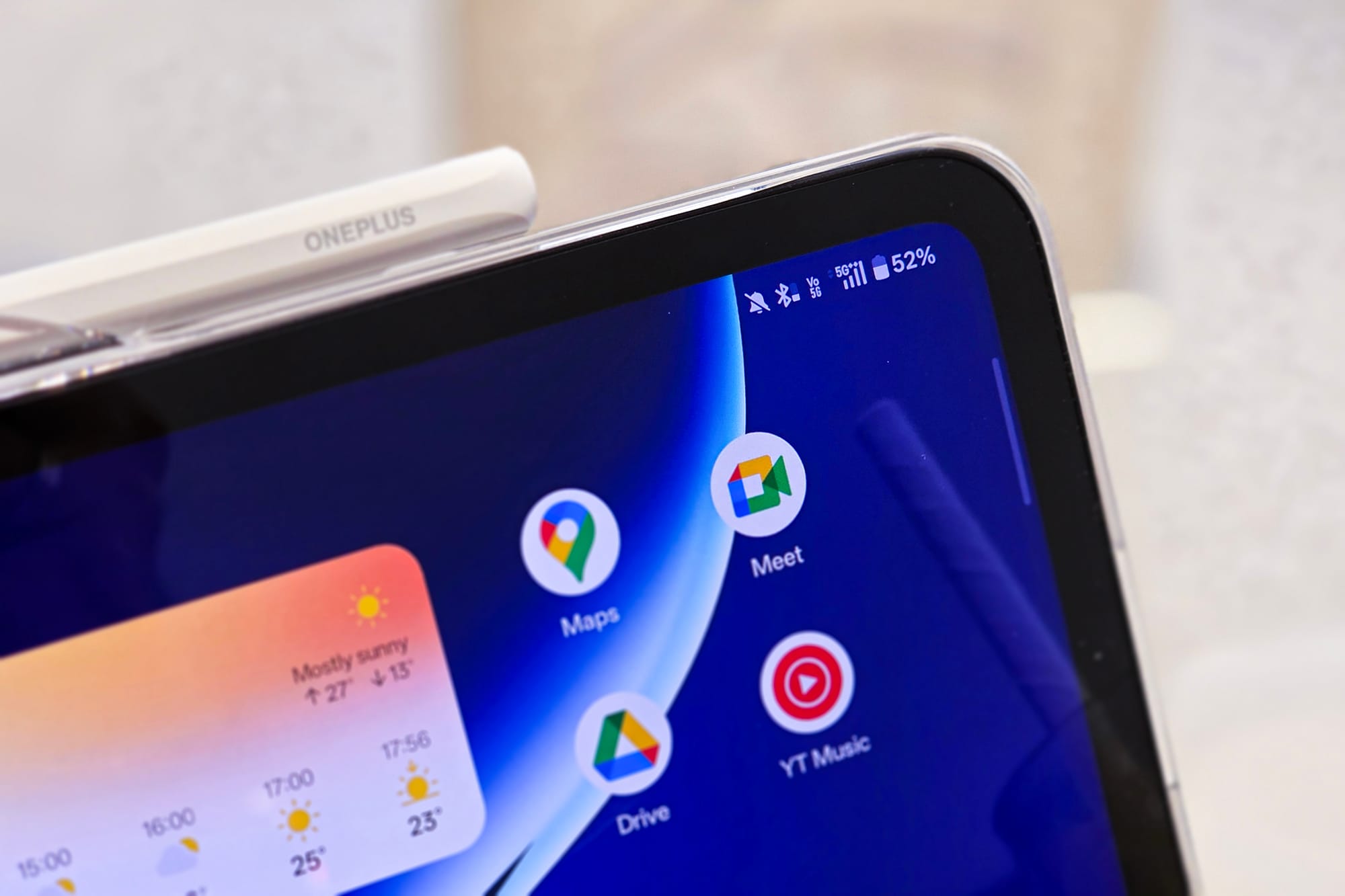
One of my reasons to feel compelled to use the Pad Go 2 so often is its native 5G support. That has allowed me to basically free myself from having to carry a phone to power the internet on it.
Mobile hotspots are significantly slower, even on 5G connections, which is one reason to desire native 5G. Independent 5G is also a liberating feature that lets me truly ditch my phone or not hog its data when the network is constrained.
Interestingly, 5G speeds on the Pad Go 2 were faster than my Galaxy S25 Plus, despite being on the same network and sharing the same family plan (the latter rules out any cost-based throttling).
I was able to achieve speeds upwards of 500Mbps in open-air settings, giving me ample confidence in the Pad Go 2's ability to replace my phone.
In addition these, I'd like to highlight some good-ish, if not most useful features of the OnePlus Pad Go 2.
The Good-ish
Stylo: The go-2 way to write
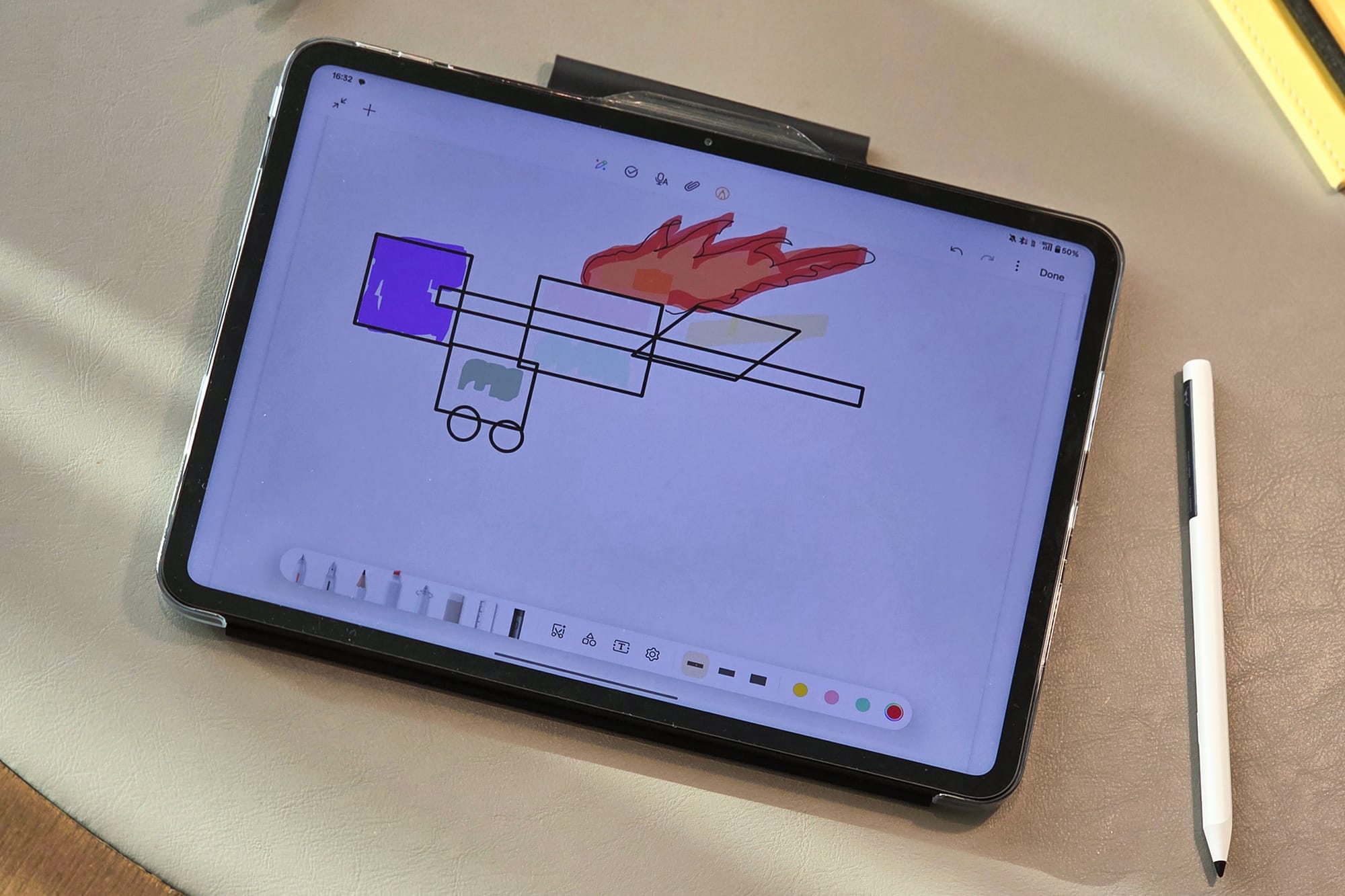
I'm a sucker for writing with my hand, which is why I'm still hugely in love with Galaxy S25 Ultra — the only reasonably good phone with a stylus.
I'm so glad that the OnePlus Pad Go 2, despite being an affordable tablet, supports stylus input, including Android's support for handwriting.
The Stylo, especially designed for the Pad Go 2, is also more affordable than OnePlus' existing Stylo options, and supports a laudable 4096 levels of pressure sensitivity, which means it can register different strokes at different angles of use.
What I don't quite like about this Stylo is that it is made of a cheaper material. More importantly, it lacks wireless charging, which I find to be a bigger bummer. It, therefore, also does not latch onto the Pad Go 2 magnetically, and you will have to buy either the official folio or a third-party case if you plan to buy the Stylo for Go.
So, OnePlus is basically pulling a page out of Apple's book here.
As a redemption point, the Stylo can be used with OnePlus' more expensive tablets, such as the OnePlus Pad 3. Since there are no magnets or wireless charging on the Pad Go 2 either, the more expensive Stylo 2 might be a no-go.
It would have been, especially for people who prefer precision for writing or drawing. But if you're not among those and just want the convenience of a stylus, the Pad Go 2 Stylo serves well.
Along with the positives, there are a couple of challenges, too.
The not-so-great
It gets jittery
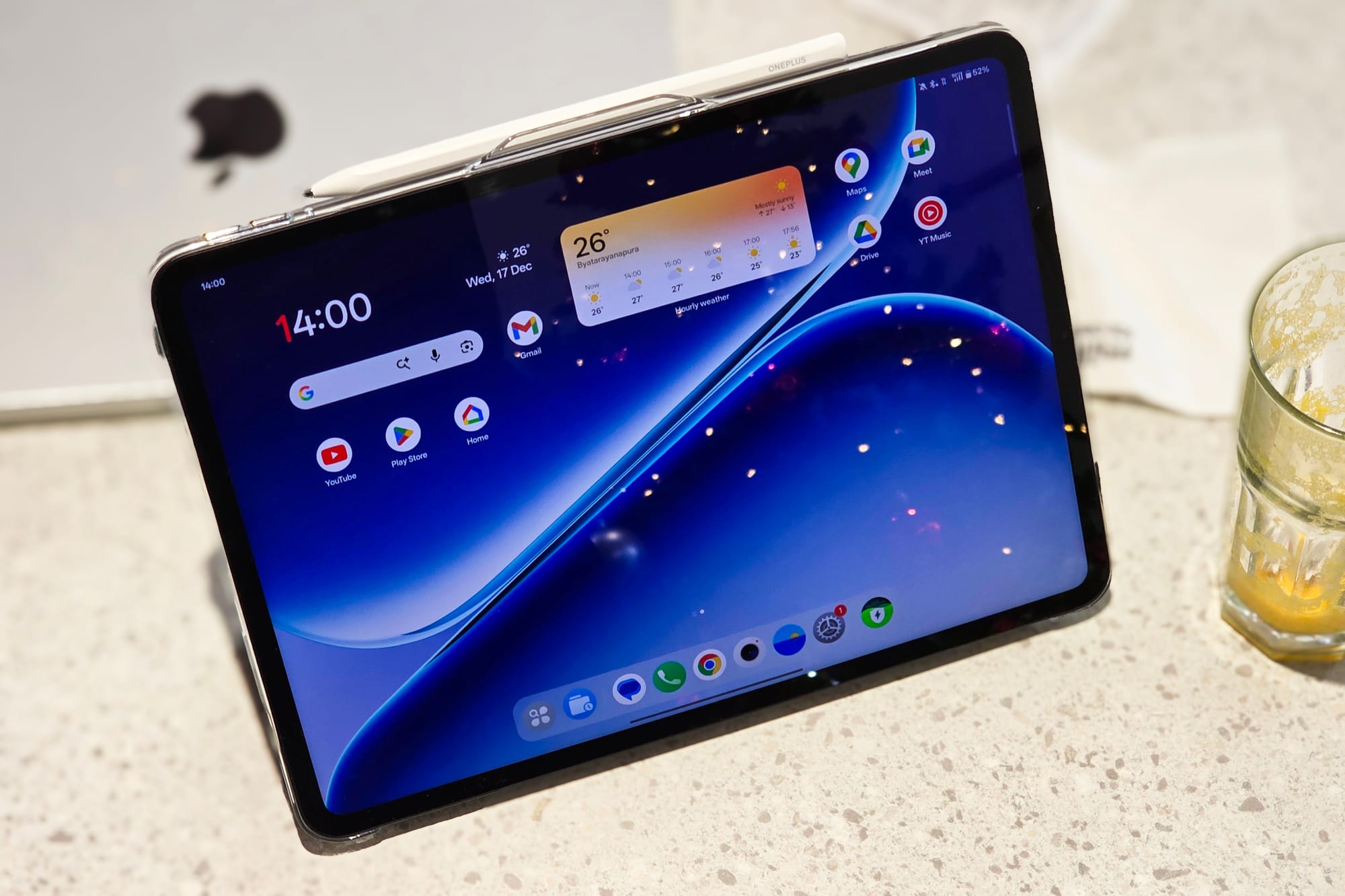
The Pad Go 2 is driven by a MediaTek Dimensity 7300 Ultra chip. On paper, it looks great, and I haven't had any major performance hiccups either. However, every once in a while, I experience microstutters when closing or switching apps.
I'm unsure what causes it, but since I haven't seen it on the more expensive OnePlus tablets, I feel it may have to do with the GPU being strained by the requirements of the large 120Hz display.
Not-so-fast fast charging
While the battery is one of the traits convincing you to buy the Pad Go 2, the charging speed may not live up to it. This is because the Pad Go 2 only gets 33W wired charging, which takes about 2–2.5 hours for the tablet to charge fully.
It's not a massive deal breaker, but I feel OnePlus could have gone with slightly faster 50–60W charging — if not for any other reason then for the optics.
A smashing deal, no matter
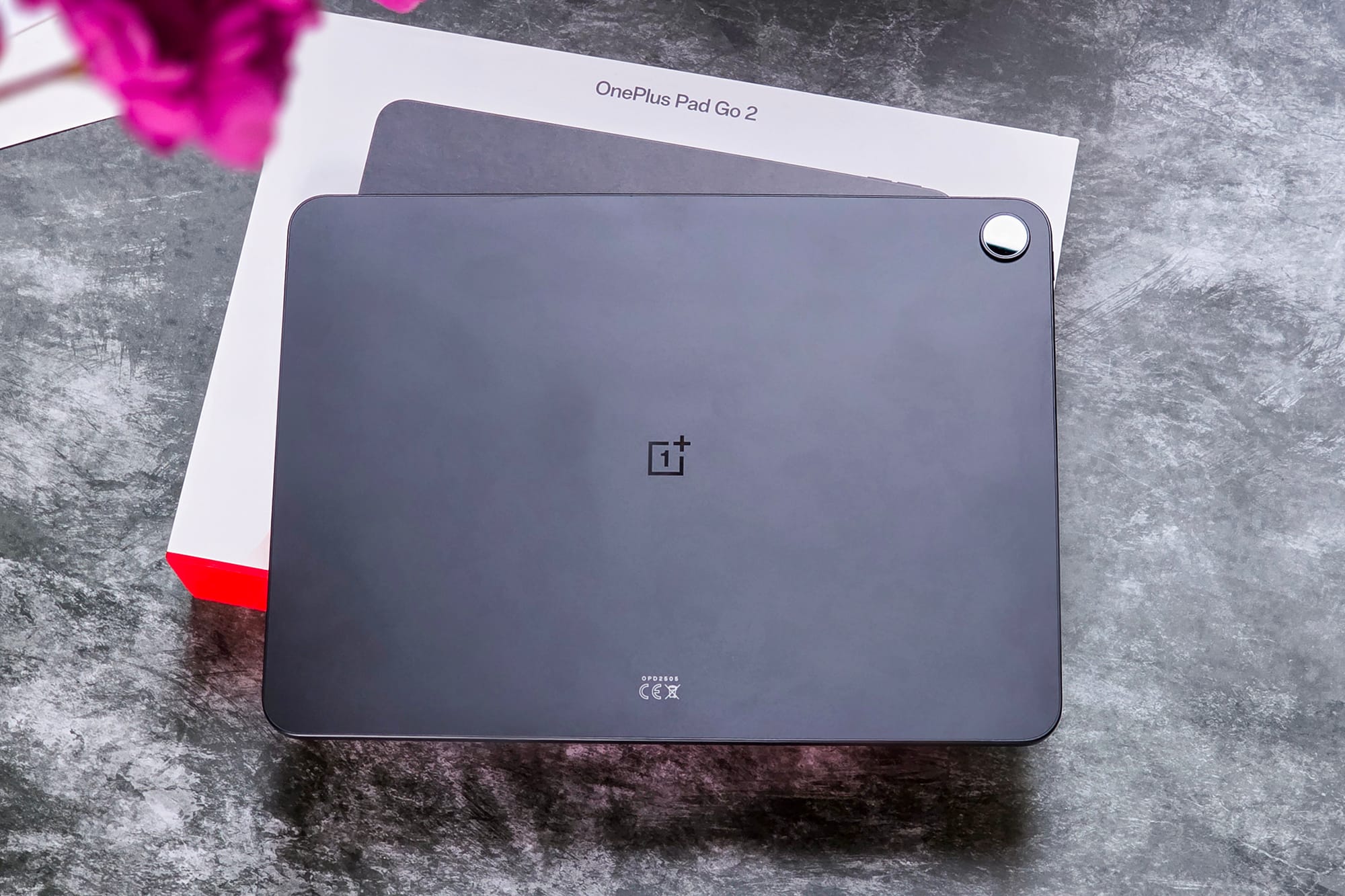
In spite of these shortcomings I noted above, the OnePlus Pad Go 2 offers a value for money that's too difficult to beat.
In the US, the Pad Go 2 costs $400, at which you'd still be stuck with mediocre 90Hz 1440p screens from Samsung or remnants of what could be called a new iPad a few years ago.
In India, for Rs. 26,999 (Bluetooth only, without discounts), the OnePlus Pad Go 2 gets slightly more competition from rivals such as the Redmi Pad 2 Pro with a slightly better chip and support for a magnetic stylus, but OnePlus takes the lead with longer software support, faster storage, and a display that's both sharper and brighter.
Overall, the OnePlus Pad Go 2 is a great find for students or those who just want this to be a spare device for entertainment, reading, or jotting notes.