
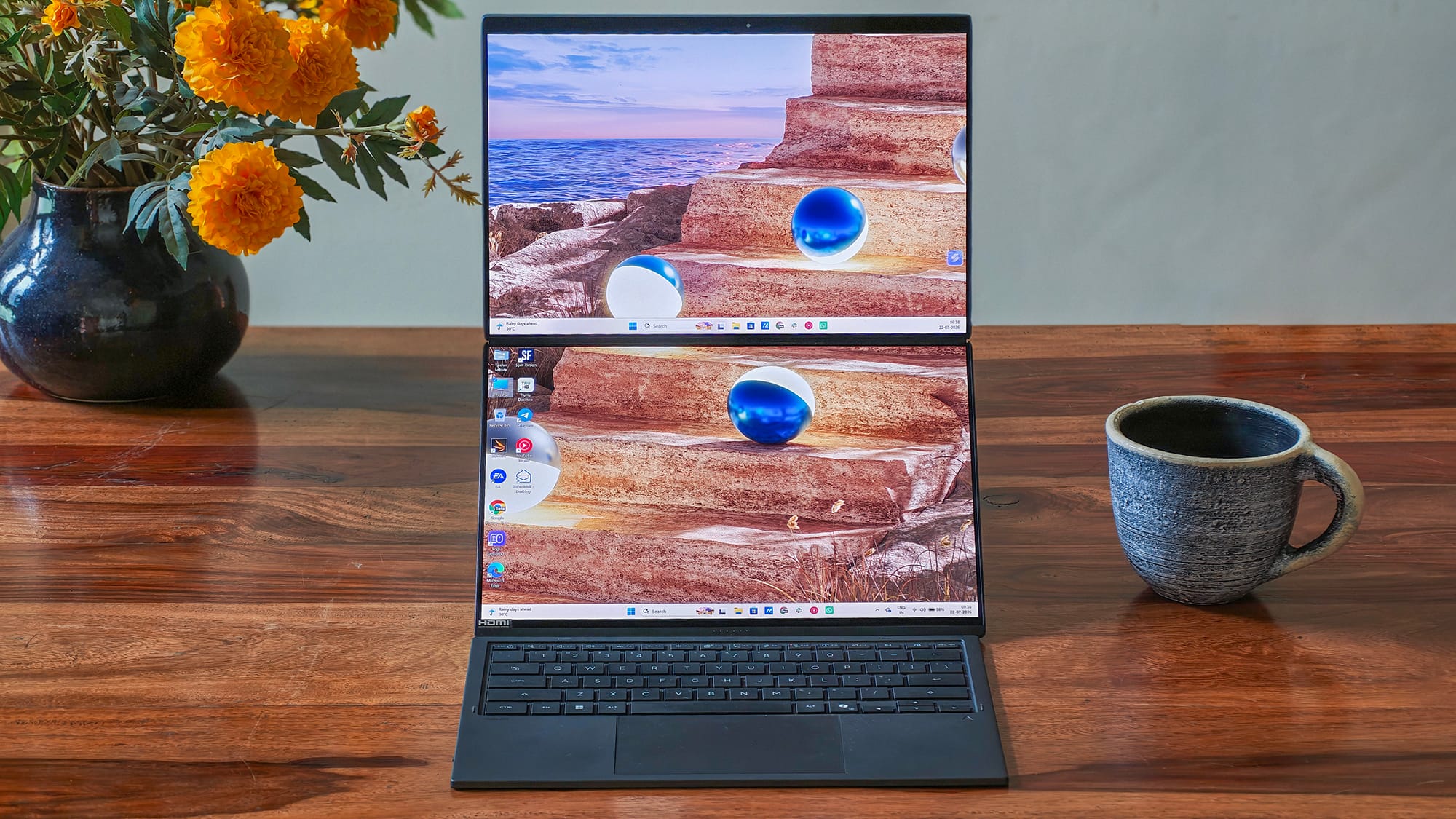
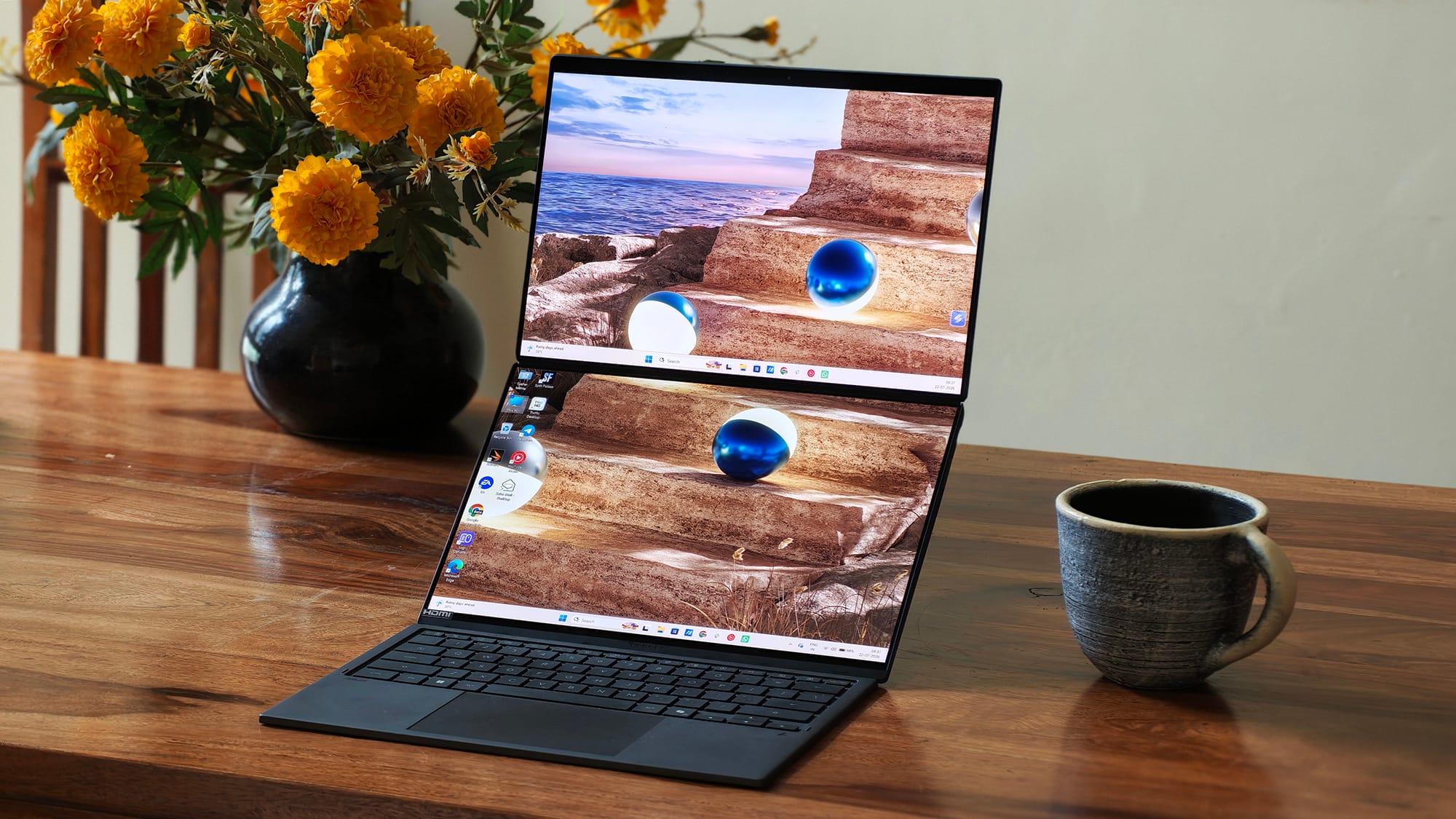
There's a category of laptops that exists to answer a question nobody asked, and then there's the ASUS Zenbook DUO — a laptop that answers a question I didn't realize I'd been asking for years: what if my portable machine simply had more screen? Not a folding screen, not a gimmicky secondary strip above the keyboard, but a full second 14-inch OLED panel that appears when I need it and disappears when I don't.
I've spent over two weeks with the Zenbook DUO (UX8407AA) as my primary machine, and I've come away convinced that this is the most usable dual-screen laptop anyone has built so far. It is also, in typical ASUS fashion, about 95% of the way to greatness — with the last 5% made up of software quirks that range from mildly amusing to genuinely baffling.
What you're getting
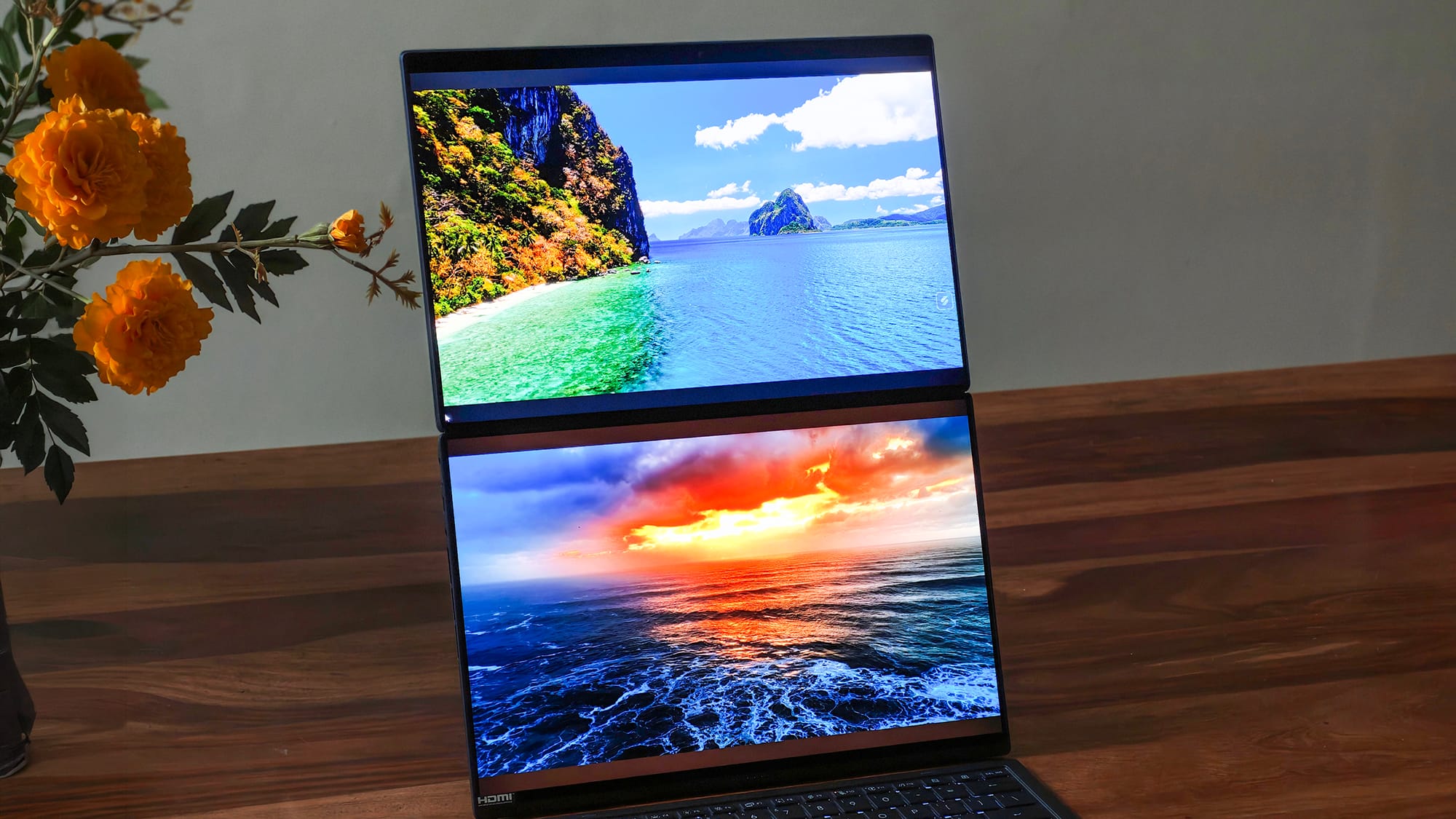
My review unit is the India-spec Core Ultra 7 355 configuration with 32GB of LPDDR5X RAM and a 1TB SSD, priced at roughly ₹3,00,000. The headline act is the pair of 14-inch 3K (2880 x 1800) ASUS Lumina Pro OLED touchscreens, both running at up to 144Hz.
There's no discrete GPU here, and graphics duties fall to the integrated Intel Arc silicon — but you do get Copilot+ credentials courtesy of the 50 TOPS NPU, a 75Wh battery, two Thunderbolt 4 ports, a USB-A port, HDMI 2.1, and a full-size detachable keyboard that magnetically latches over the lower display.
The whole package weighs 1.65 kg, which sounds ordinary until you remember it contains two flagship-grade OLED panels, a keyboard, and a kickstand.
The keyboard is better than it has any right to be
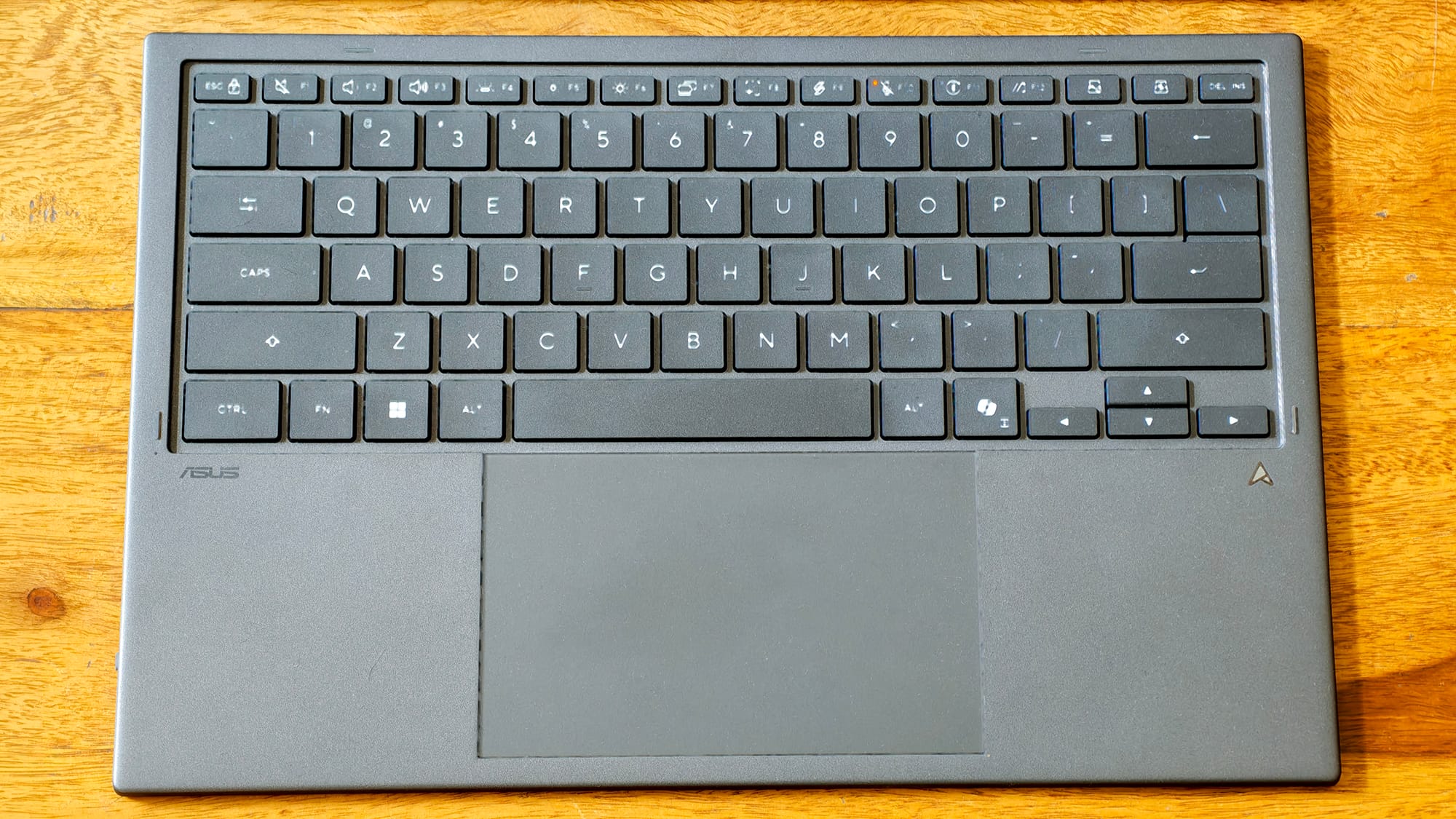
Let's start with the biggest surprise. The detachable keyboard feels genuinely good to type on — sufficiently plush, with a cushioned, almost mushy quality in the best sense of the word. I just love the typing experience in general. It's difficult to believe that a keyboard this satisfying has been crammed into such a slim profile. With the keyboard attached, the whole setup does feel a bit thick — not the sharp or awkward kind of thick, more of a pleasantly retro heft. I don't mind it at all, though some people might.
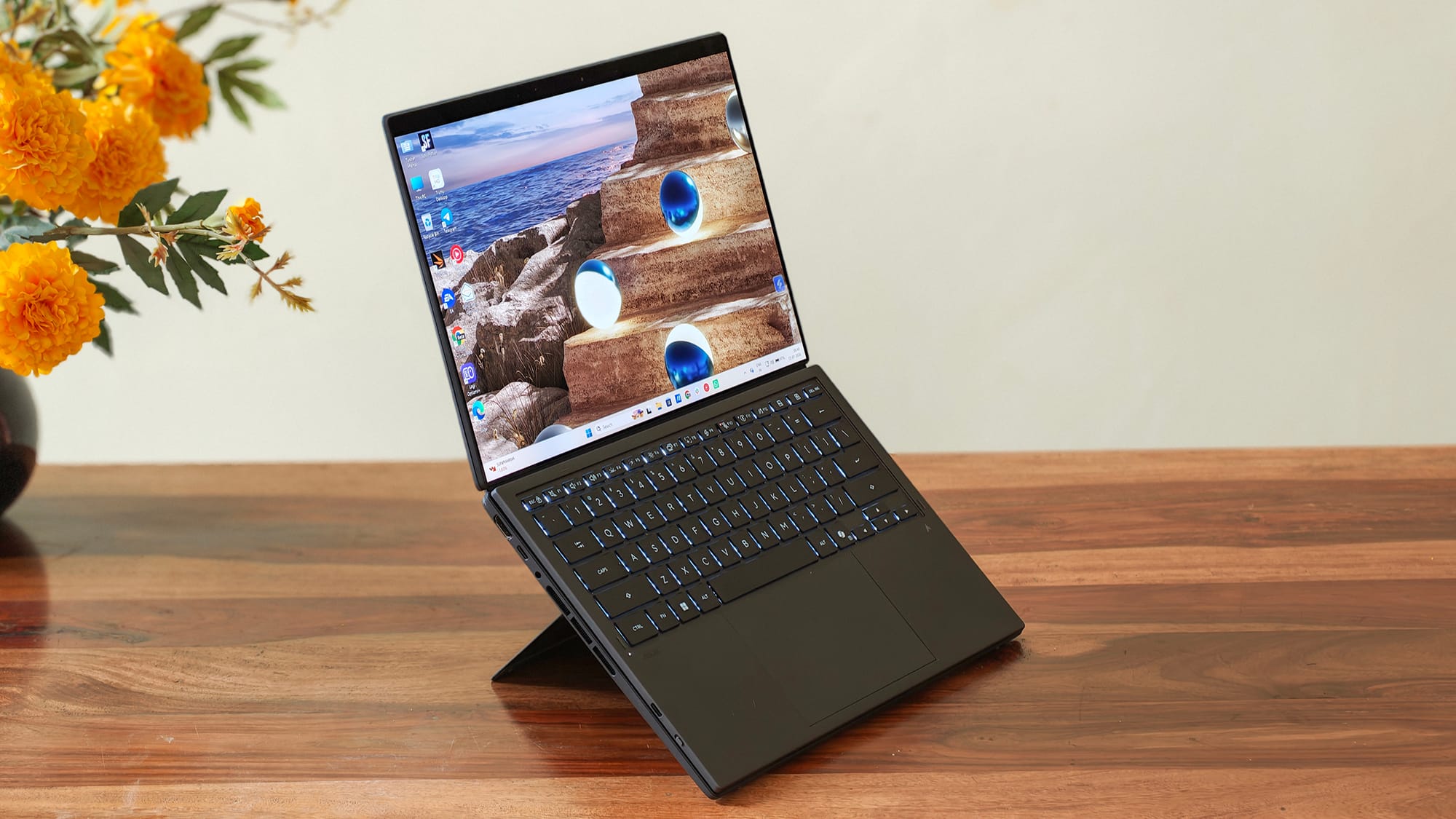
Here's a trick I've come to rely on: you can keep the keyboard attached, like a regular laptop, while flipping the kickstand open behind it. That props the whole machine up to a decent height — an instant ergonomic riser at a café, no separate stand to carry. You can angle it as tall as you like, right up to the point where your wrists start screaming from the stretch.
The keyboard works wirelessly when detached, and connectivity has been reliable throughout my testing. But there are papercuts, and the biggest is battery dependence. The keyboard is far too reliant on the laptop to stay alive — in my experience, it can discharge in as little as 30 minutes to an hour when kept away from the machine, forcing you to snap it back on to recharge. (ASUS doesn't publish the keyboard's battery capacity anywhere, so I can't tell you how small the cell actually is.)
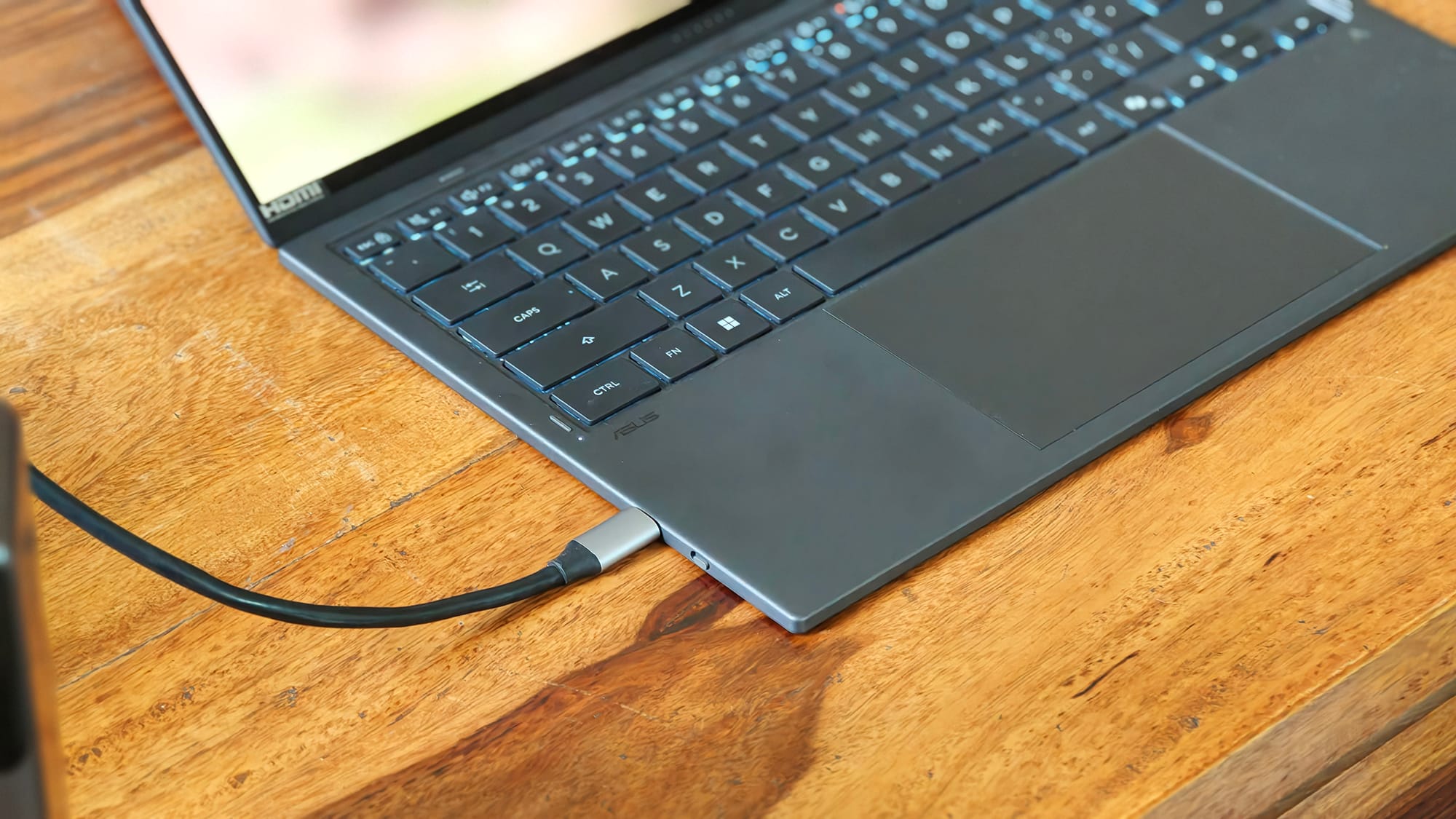
There is a tiny USB-C port tucked into the bottom-left side of the keyboard, which I initially missed — but note that it only charges the keyboard, not the laptop. There's also a button on the keyboard's side, which appears to be the power/Bluetooth pairing control — switching the keyboard off with it when stowed separately should help with the drain.
There are no playback or media keys, which stings more than usual here, because dual-screen mode is precisely when the keyboard becomes your only physical control surface. And the backlight refuses to remember its settings: every time I detach the keyboard, the backlight shuts off, and while it's only a single button press to restore, a laptop at this price should remember my preferences.
You can also type directly on the lower screen using the on-screen keyboard. Without haptic feedback, you're likely to rack up typos unless you're already accustomed to typing on an iPad or a tablet. And if you smash the glass a little too enthusiastically, there's an unnerving sense that you might damage the screen. I stuck with the physical keyboard.
Two screens, mostly delightful
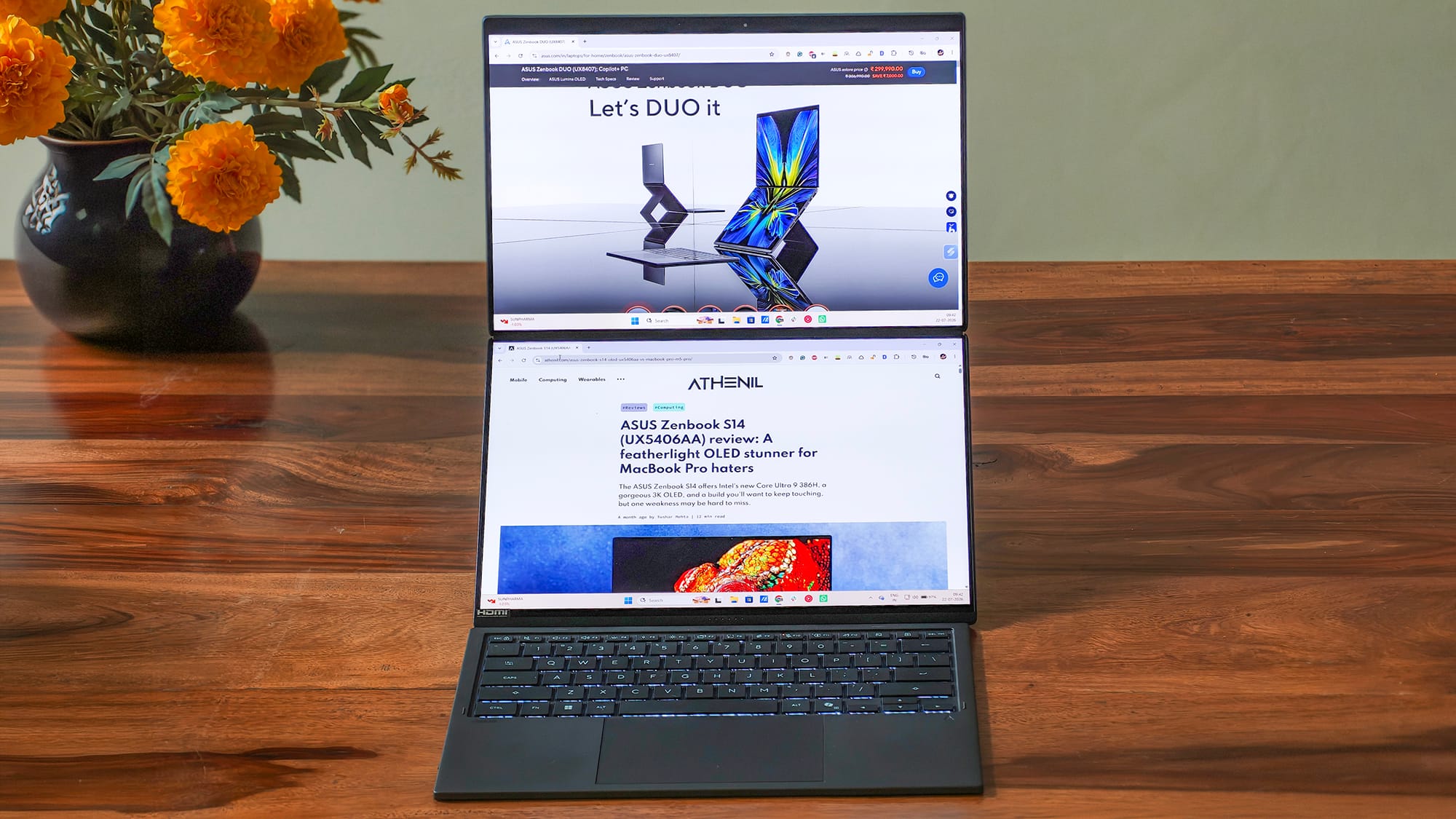
The dual-screen experience works best for me as a viewing arrangement — research on top, writing below, or a video playing on one panel while I work on the other. Trying to use the second screen primarily for typing input never quite clicked.
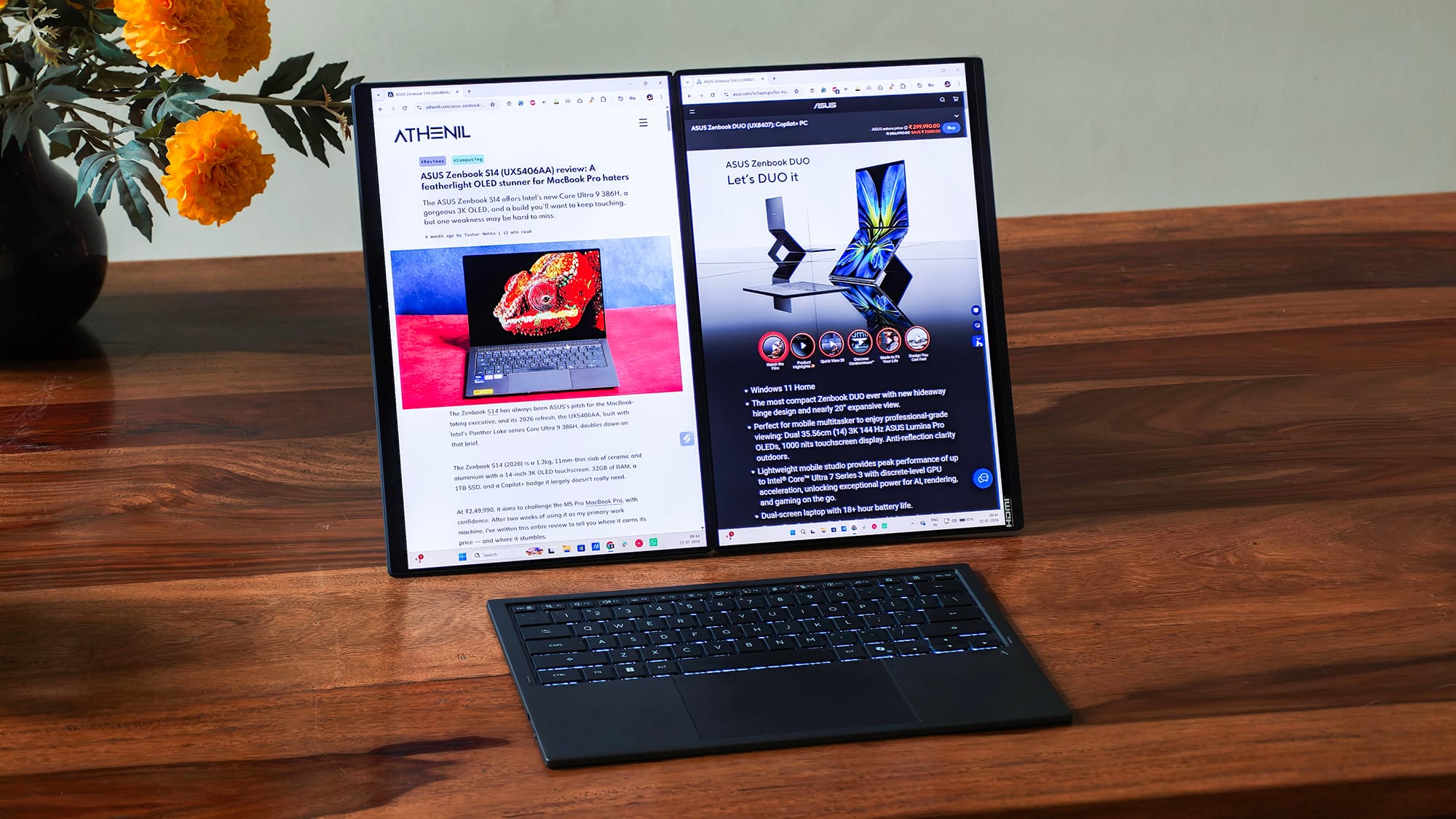
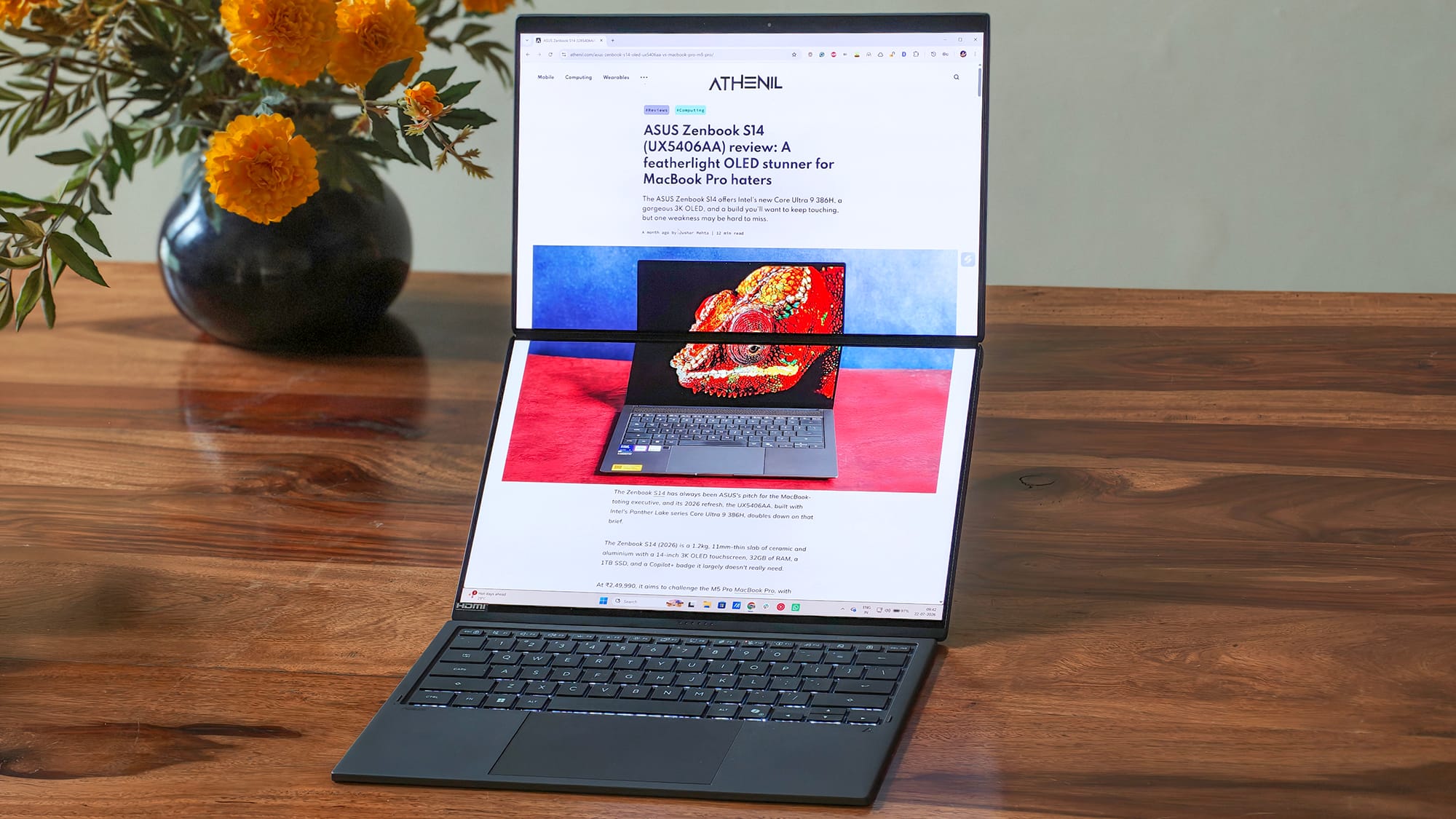
ASUS's ScreenXpert software brings gestures for summoning the on-screen keyboard and for expanding a window to span both displays as one tall canvas. These are useful ideas with clunky execution — in my experience, they fail roughly two times out of ten.
One glitch proved almost perfectly reproducible: with a window spanned across both screens, scrolling only works properly from the bottom display. Scroll from the top screen, and the bottom half simply freezes and stops updating. That happened nearly every time.
I also hit one harder failure: the laptop froze entirely when I detached the keyboard, at the exact moment it should have gracefully switched to dual-screen view. It happened once in my testing, but it happened.
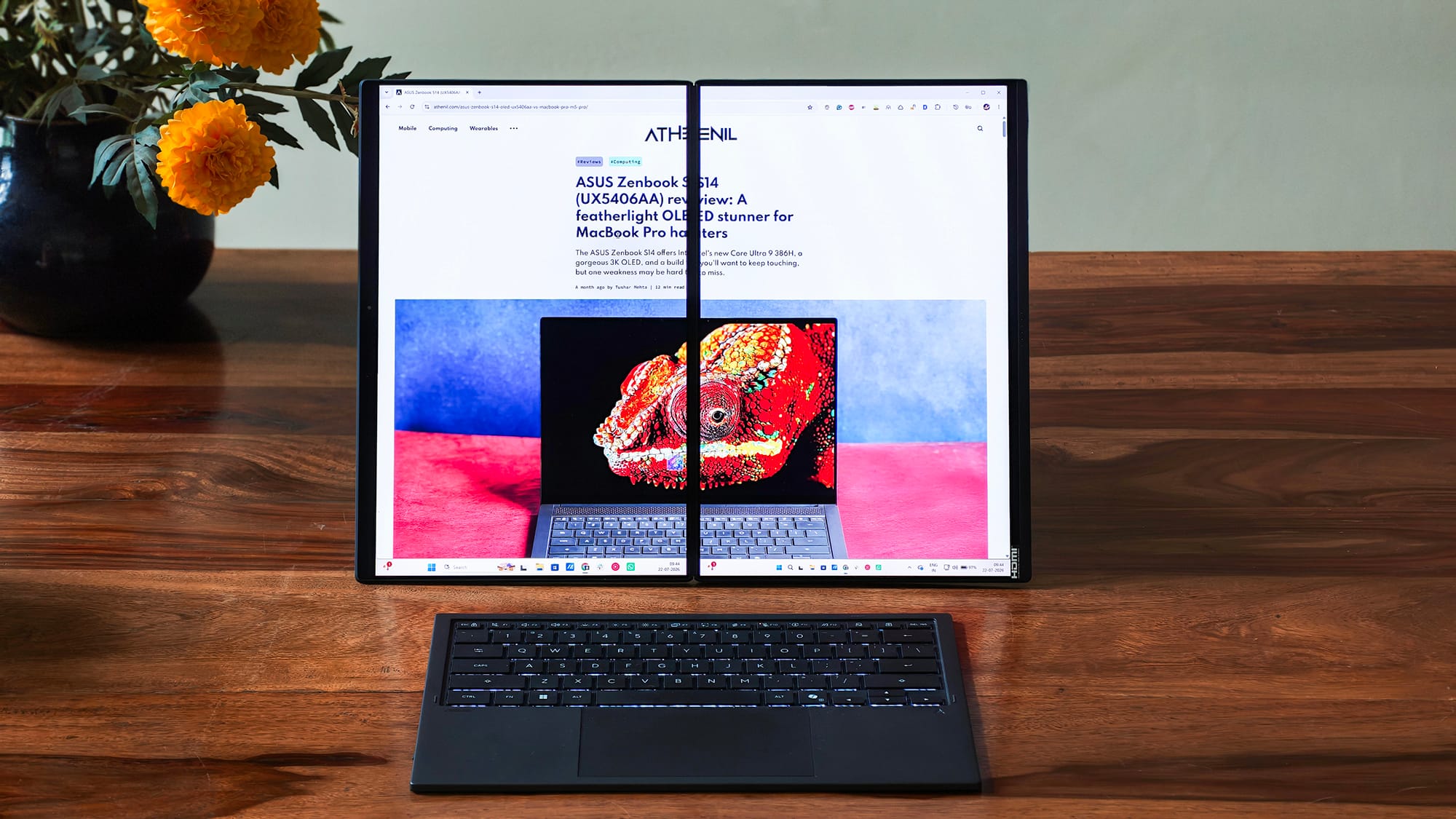
The stacked vertical arrangement — both screens horizontal, one above the other, propped on the kickstand — is genuinely useful once set up, though the setup process itself feels a bit jarring. Rotating everything sideways for a dual-portrait arrangement works too, but the ports become a real challenge to reach in that orientation. I do wish some of the ports sat closer to the bottom edge of the lower screen for dual-screen use in general.
The displays: brilliant, with asterisks
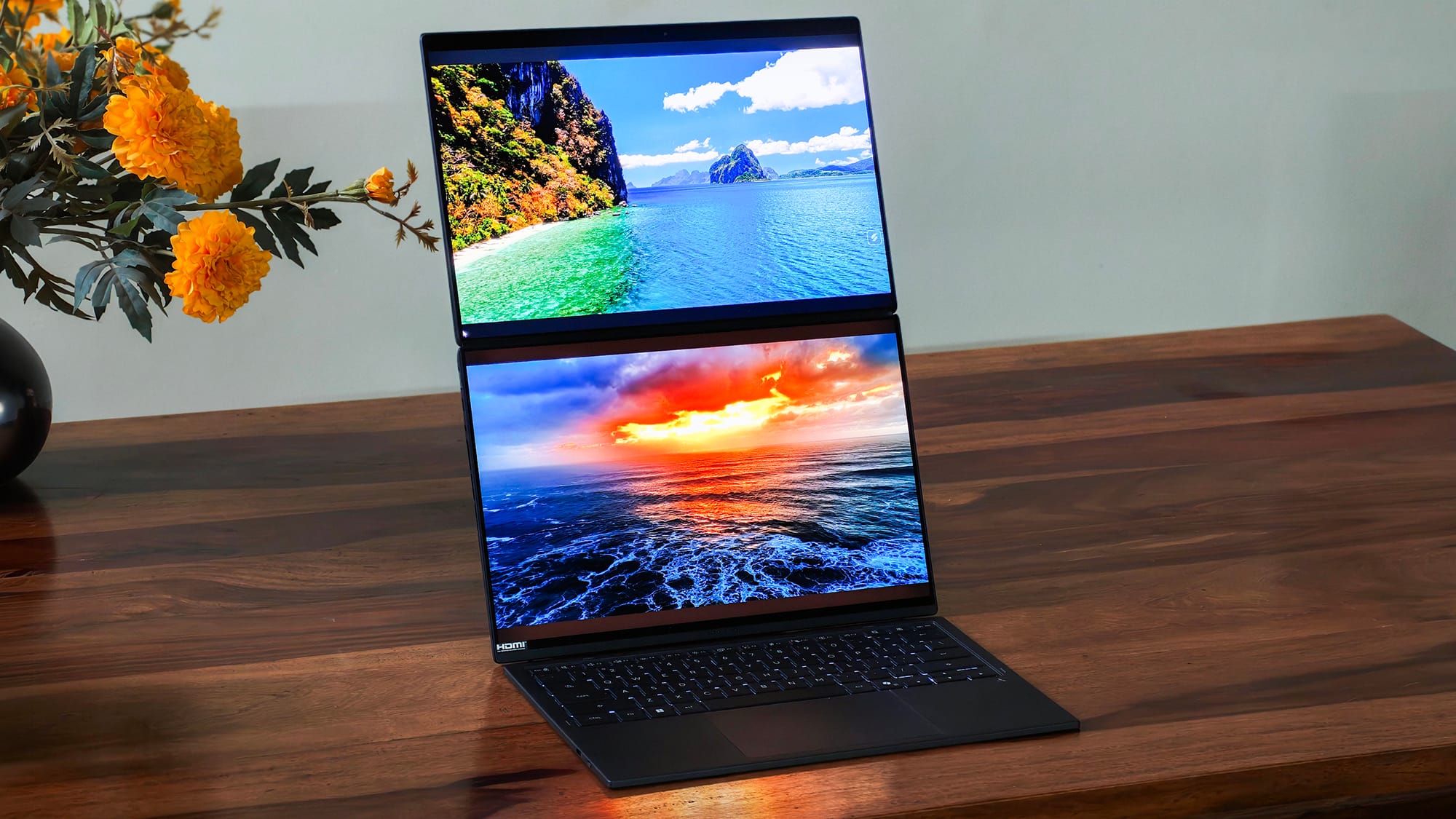
Both OLED panels are fundamentally lovely — this is ASUS's Lumina Pro OLED at its vivid, contrasty best. But they are not identical twins. The top display only offers 60Hz and 144Hz, while the bottom one provides four to five refresh rate steps across that range.
There's also a slight but visible color mismatch between the two panels, which becomes more apparent under artificial lighting. Look at either screen from beyond roughly 30 degrees off-axis, and you'll notice a greenish tinge creep in.
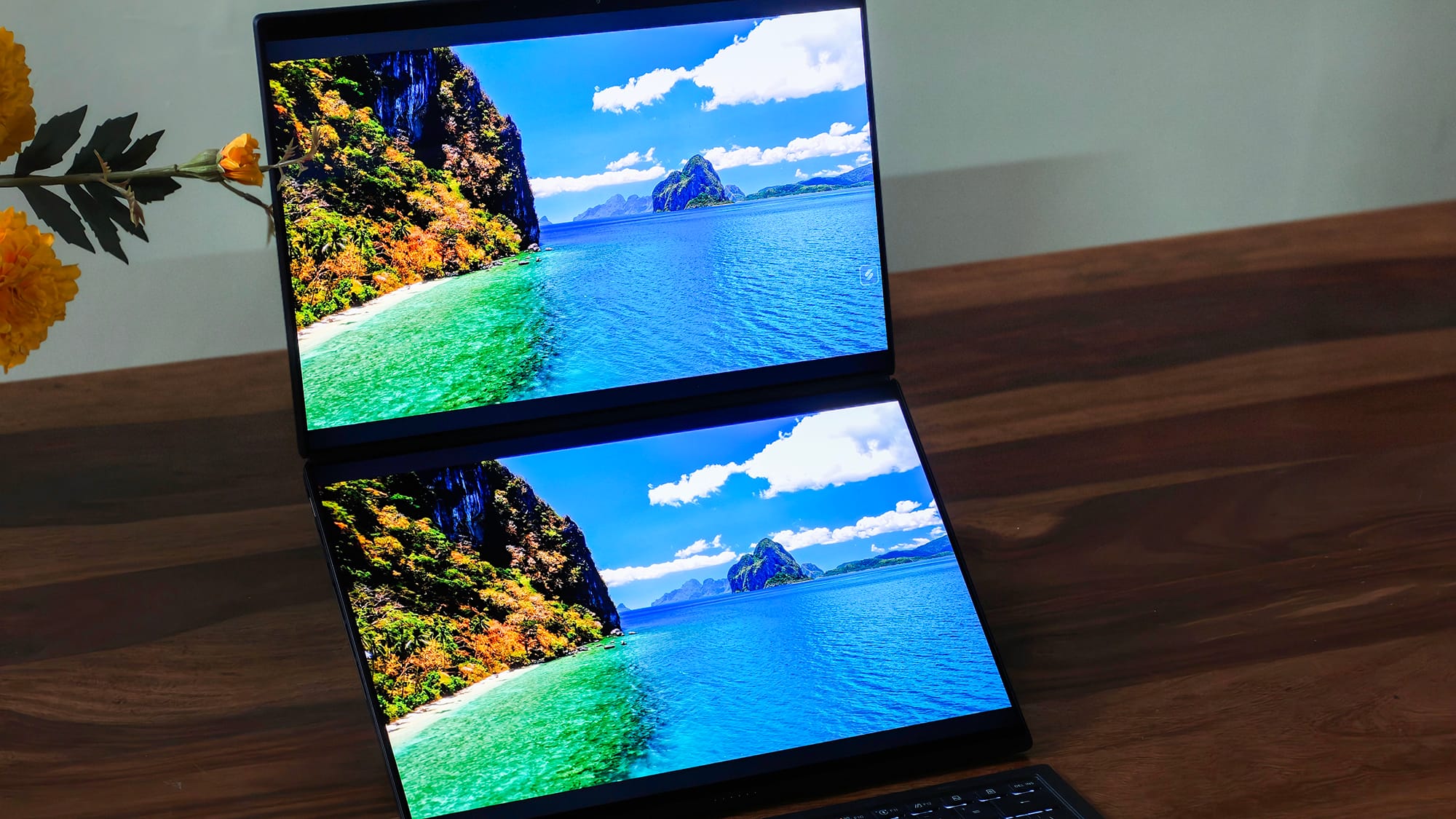
My brightness measurements came in around 213 nits peak in SDR — noticeably short of ASUS's claims, and worth keeping in mind if you work in bright rooms.
Then there's my single most persistent annoyance: every time the laptop falls back from the adapter to battery power, both displays revert to 60Hz. You can fix this permanently in the MyASUS app, but changing it in Windows settings alone means redoing it over and over. This split-brain between MyASUS and Windows settings needs to end — the two should sync, not disagree.
Speakers that punch well above two screens
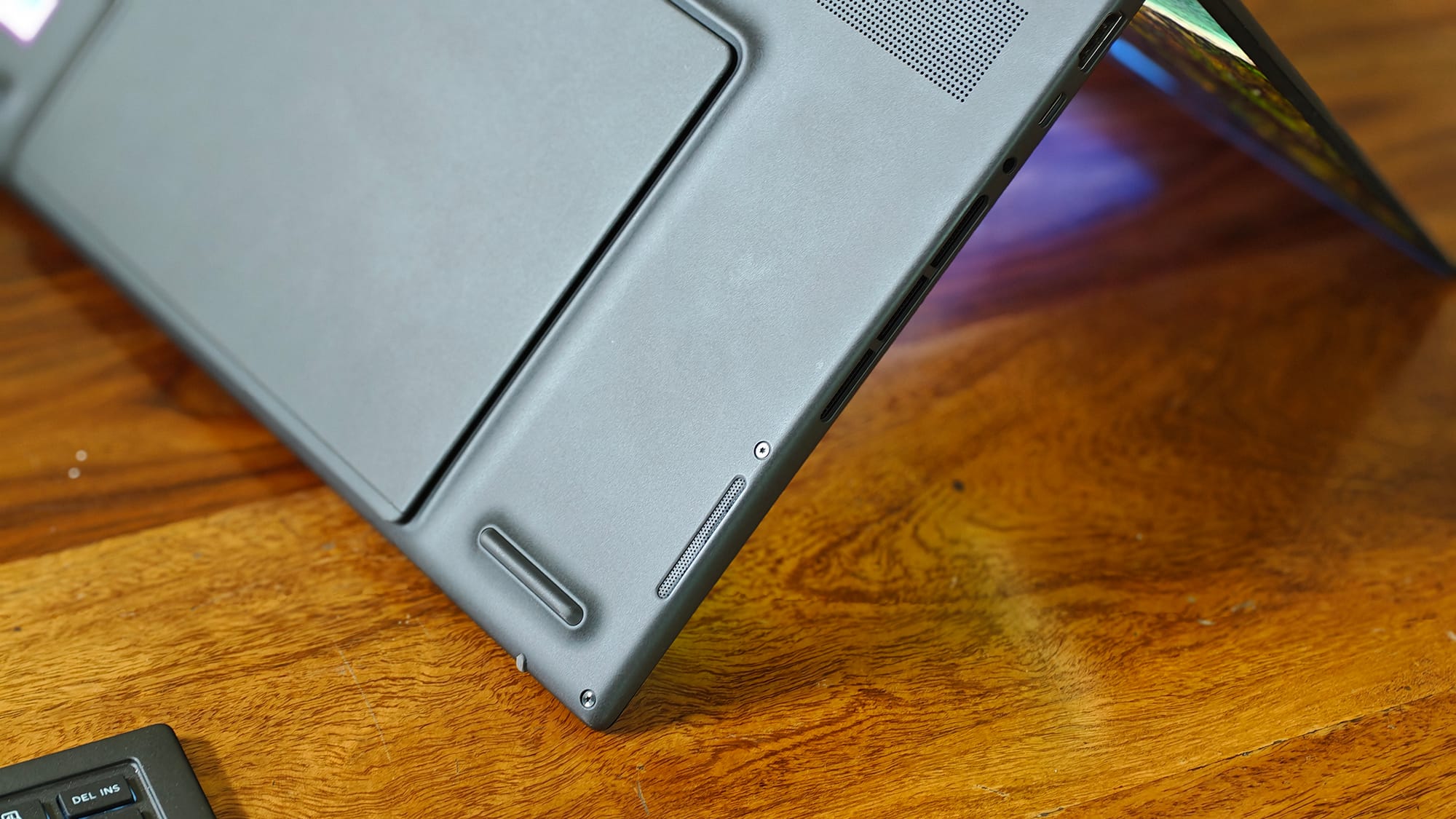
I did not expect the audio to be a highlight on a machine whose body is mostly display, but here we are. The speakers are loud — louder than my 14-inch MacBook Pro (M4 Pro, 2024) — and roomy, with well-articulated mids and highs.
Play something with energy, and you can feel the mids and upper bass as a gentle rumble through the keyboard deck, which is oddly delightful. Sub-bass is essentially absent, as physics demands of a chassis this size, but the sound remains full and satisfying, and it never cracked or distorted even at maximum volume.
The one sour note in the multimedia story is that missing set of media keys on the keyboard.
Build, kickstand, and thermals

The build quality is where the Zenbook DUO makes its ₹3 lakh case most convincingly. It's solid and premium, smooth all over with no rough edges anywhere.
I'd go as far as saying it feels better in the hand than a MacBook Pro. Yes, it's thicker than a regular laptop — two screens will do that — and it reads bulkier than its 1.65 kg suggests. But each half, considered individually, is impressively slim, and I got used to the heft quickly.
The kickstand is the one piece of hardware I actively dislike. It's tight, its motion is jarring rather than smooth, and it doesn't feel premium in operation. I'm not sure ASUS had an easy way to make it glide better, but as it stands, it gets in the way. Its saving grace is that it's metal — it won't crack if you forget to close it, and along with the metal back panel, it seems to double as a passive heatsink.
Speaking of heat: under load, warmth concentrates on the back of the lower screen, but the exhaust exits through the side vents rather than the rear. That makes the DUO surprisingly comfortable on the lap and in unconventional orientations. The fans — presumably small — stay quiet in everyday use and only become noticeable under heavy load like benchmarks or gaming.
Performance, battery, and charging
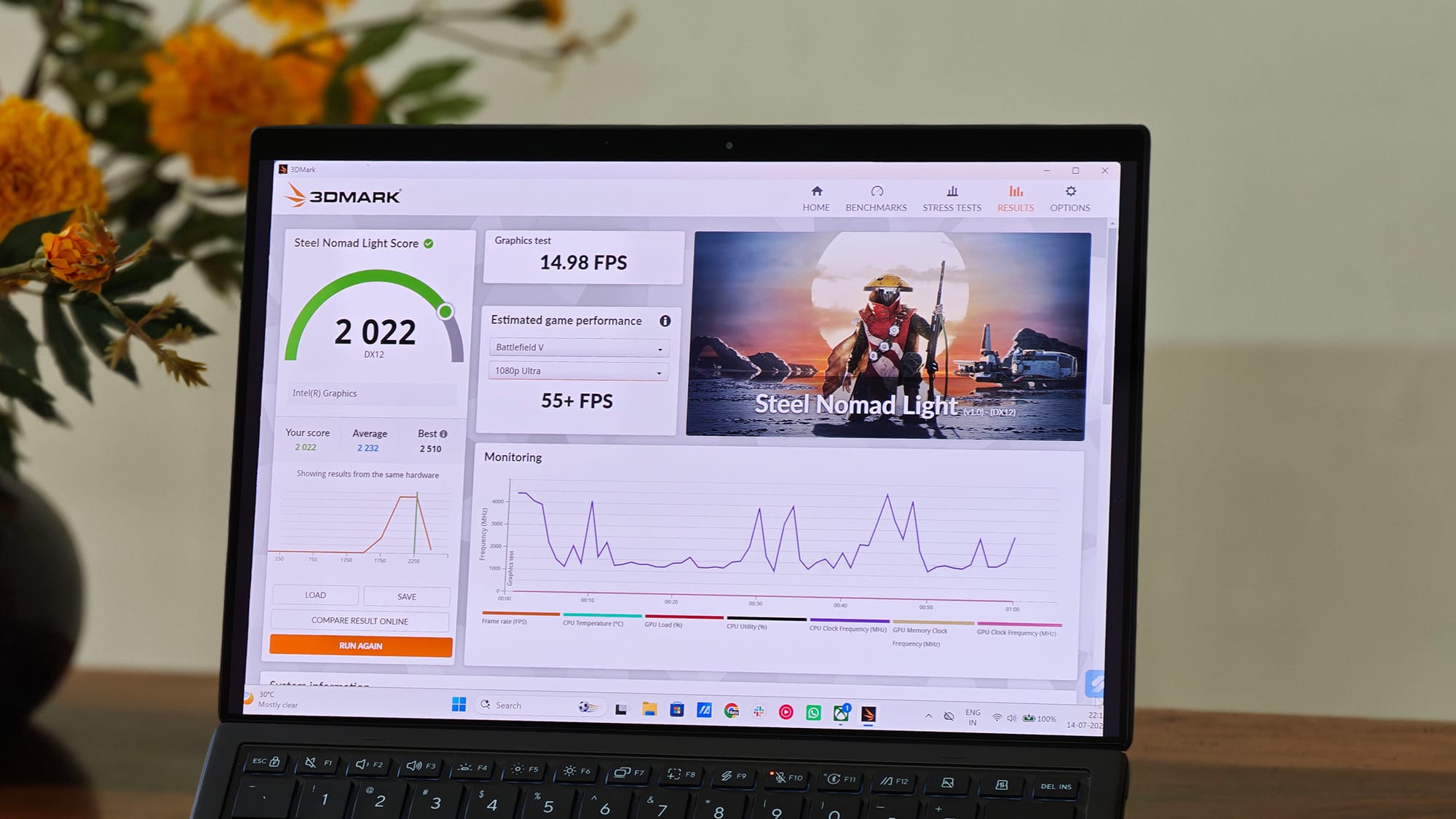
For work — writing, research, heavy multitasking across two screens, entertainment — the Core Ultra 7 355 delivers consistently good performance. My Cinebench 2026 and 3DMark runs back that up.
The only stutters I encountered were during screen-configuration switches, which I suspect owes more to software (and perhaps the absence of a discrete GPU) than raw horsepower.
Gaming is a different story. You can attempt it — I saw decent 30–40 fps in some titles — but this is occasional-gaming territory at best. Rotate the machine sideways, and things get worse: the aspect ratio stretches games, and every title demands its own settings-fiddling session to find something usable. I also couldn't find any way to stretch a game across both displays. Gamers should buy a machine tuned for the job.
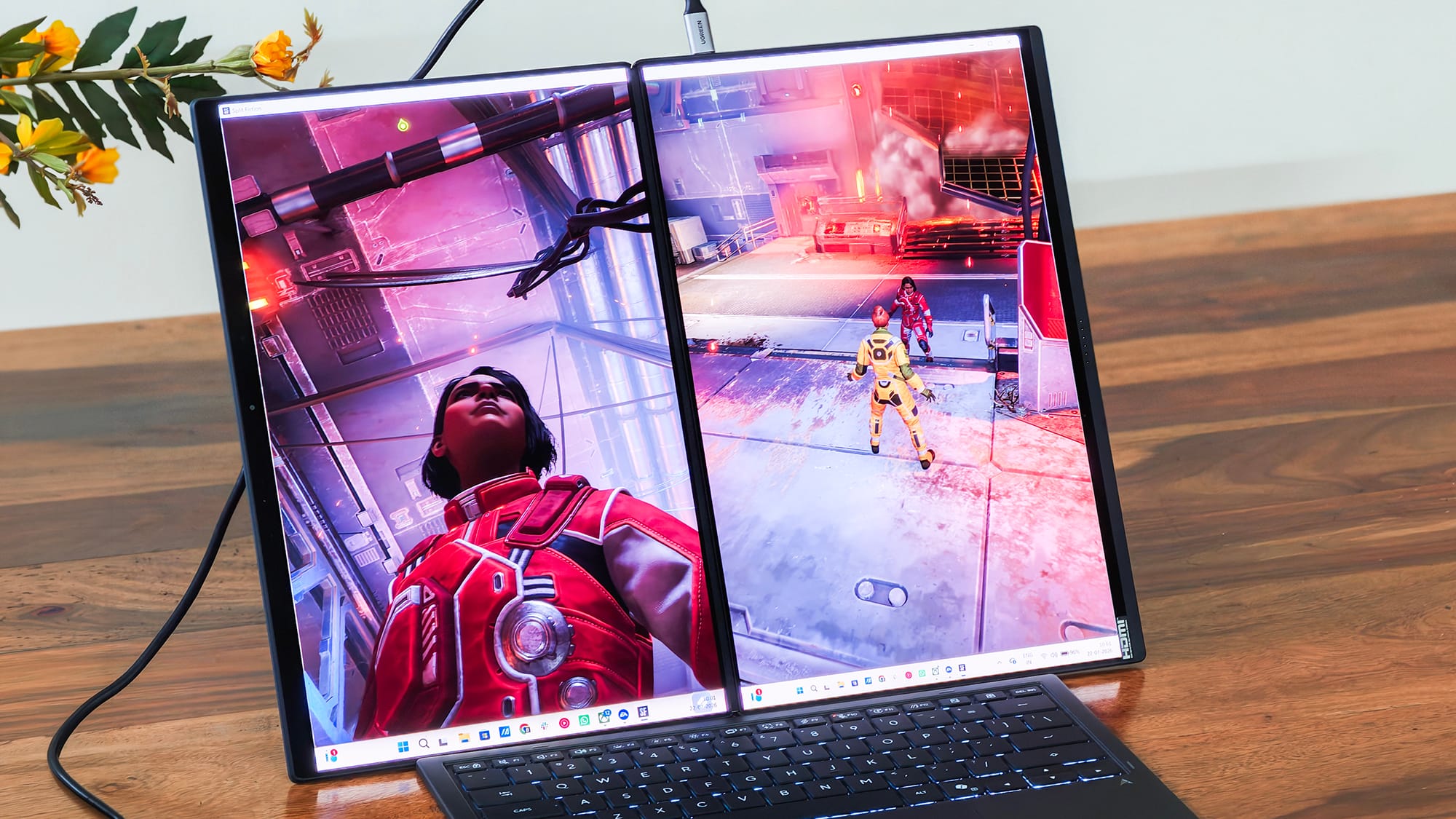
Battery life has landed around 6–7 hours with a single screen and roughly 4 hours with both panels active — a spread you should plan your day around.
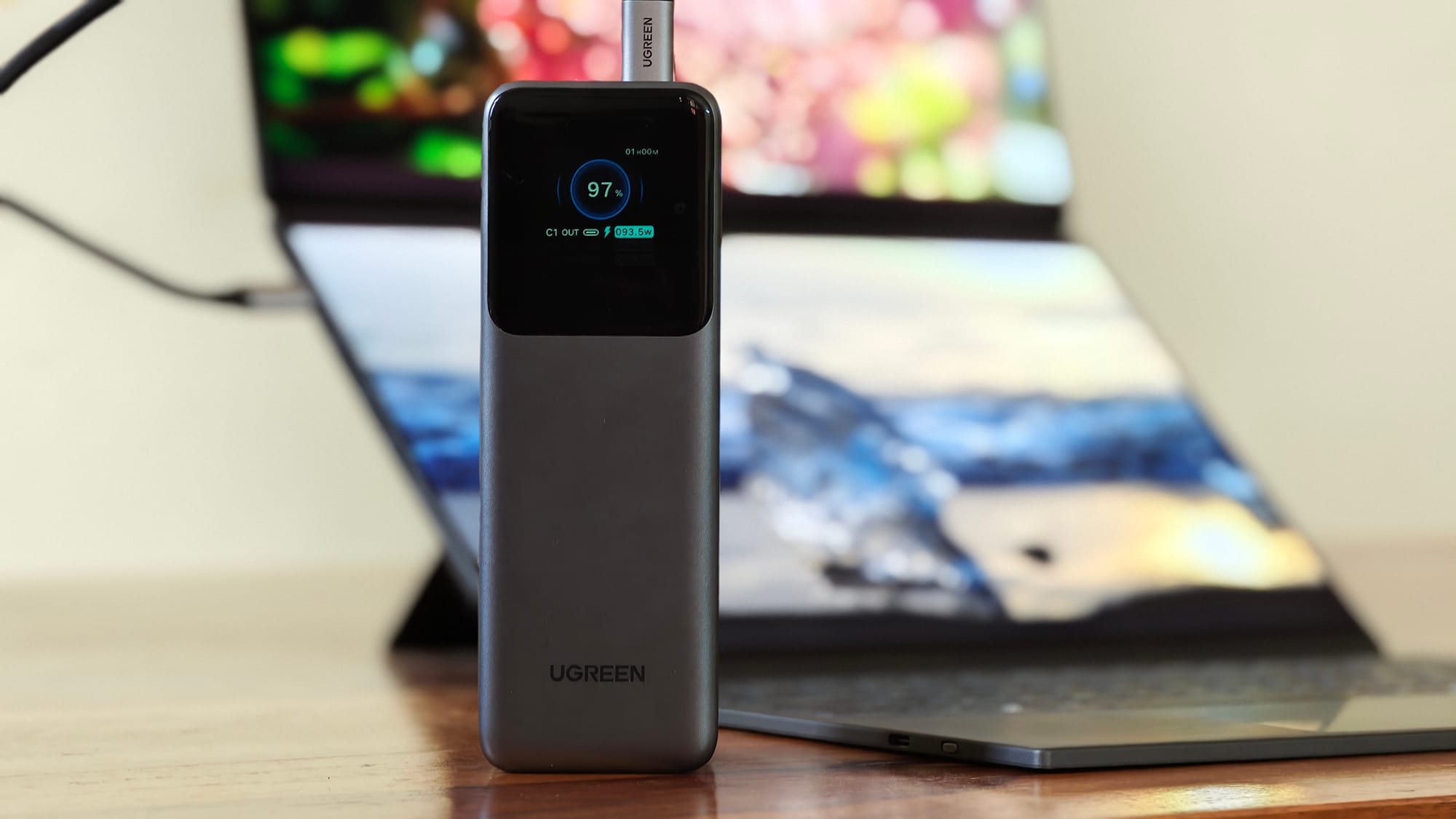
ASUS ships a 100W adapter in the Indian box, and helpfully, the laptop charges over both USB-C/Thunderbolt ports, so any decent ~100W PD charger you already own will do the job.
The little smart things (and the not-so-smart ones)
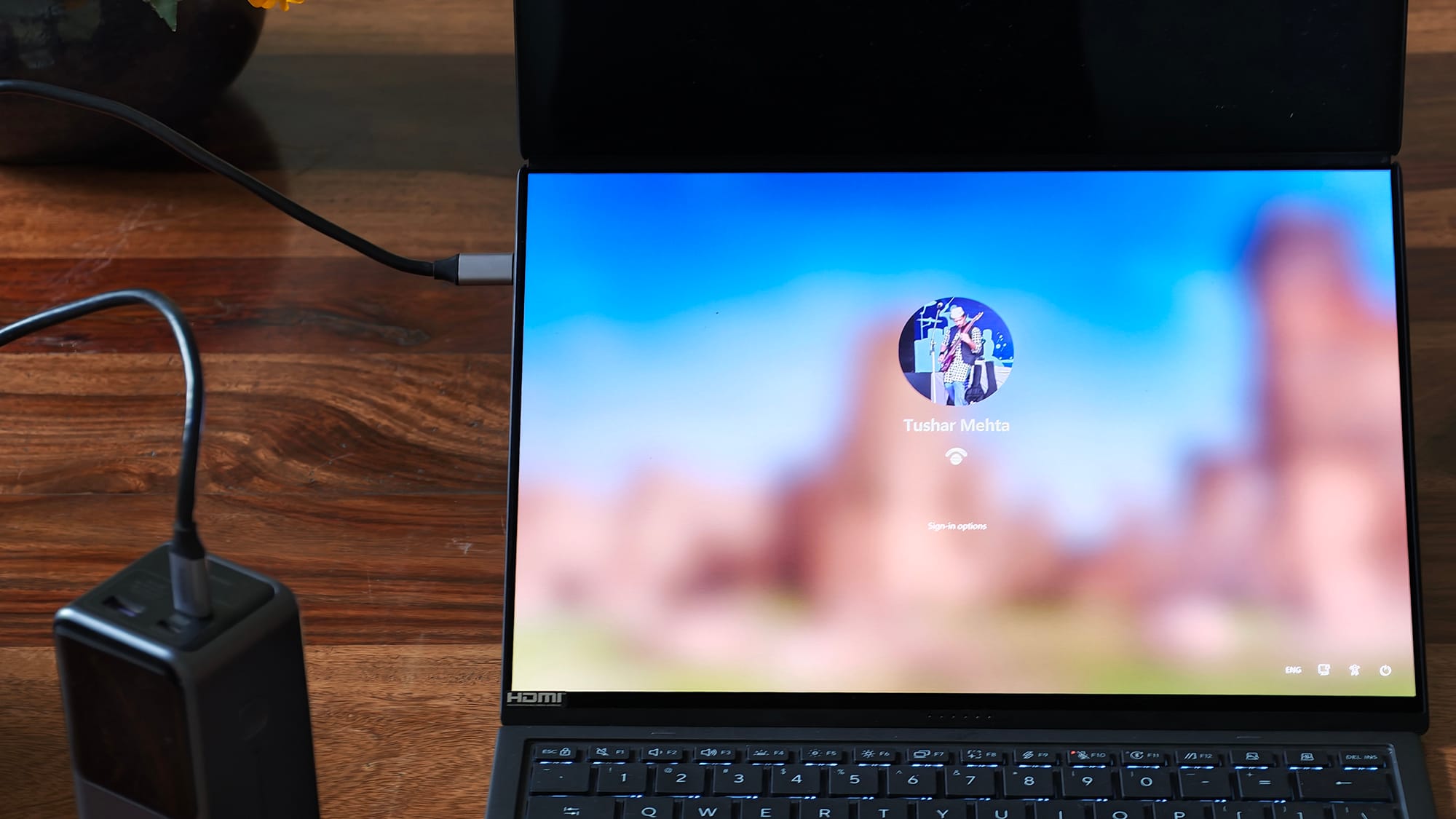
Windows Hello face recognition on this machine is the best I've used on any recent Windows laptop — it's quick, dependable, and works even from farther away than usual. It genuinely screams premium. The 1080p IR webcam is also noticeably better in output than the one on the Zenbook S14 I reviewed, even though both are FHD units on paper — the difference appears to be processing rather than resolution.
The presence-sensing suite is less consistent. It stops working entirely when both screens are in vertical orientation, and there's no motion-based wake — lifting or moving the laptop does nothing until you press a key.
One note on the stylus: the DUO supports the newer ASUS Pen SA205H (MPP 2.6, a generation ahead of the S14's MPP 2.0 pen), but my review unit didn't include one in the box, so pen input went untested.
Who is this for?
At ₹3,00,000, the Zenbook DUO isn't really competing with other Windows laptops — for refinement, multimedia chops, and sheer appeal, its true rival is the MacBook Pro. Very little on the Windows side comes close, and nothing offers dual screens like this. Lenovo's Yoga Book 9i would have been the natural sparring partner, but it's no longer available in India and runs an older processor anyway.
The foldable-display experiments from ASUS and HP offer smoother visual continuity across their single bending panel, but sandwiching a keyboard between two delicate display faces raises durability questions this two-panel design simply doesn't have. For long-term ownership, I'd bet on the DUO's approach.
If all you want is strong performance and one excellent OLED touchscreen, there are far cheaper routes: the Zenbook 14 OLED (UX3405CA) delivers a 3K OLED touch panel for around ₹1,18,000, and Samsung's Galaxy Book6 Pro 14 offers a superb touch-enabled AMOLED — though at nearly ₹2.8 lakh, the Samsung is practically DUO money anyway.
Verdict: I'll choose this over a MacBook
The Zenbook DUO is for travelers, multitaskers, and people with busy, active workflows who want more screen without carrying a monitor. Yes, it has flaws — the gesture failures, the scroll glitch, the settings amnesia, that last 5% of software refinement an Apple product wouldn't let slip. I've catalogued them all, and I stand by every complaint.
And yet, here's my bottom line: I'll choose this over a MacBook. Despite its flaws, the sheer breadth of what it offers — two gorgeous 144Hz OLED panels, a genuinely lovable keyboard, speakers that outclass my MacBook Pro, standout Windows Hello, a build that arguably feels better in hand than Apple's, and a working style no MacBook can replicate — adds up to something more compelling than another perfectly polished single screen. I did not expect to say that about a dual-screen laptop in 2026, and yet here we are.