
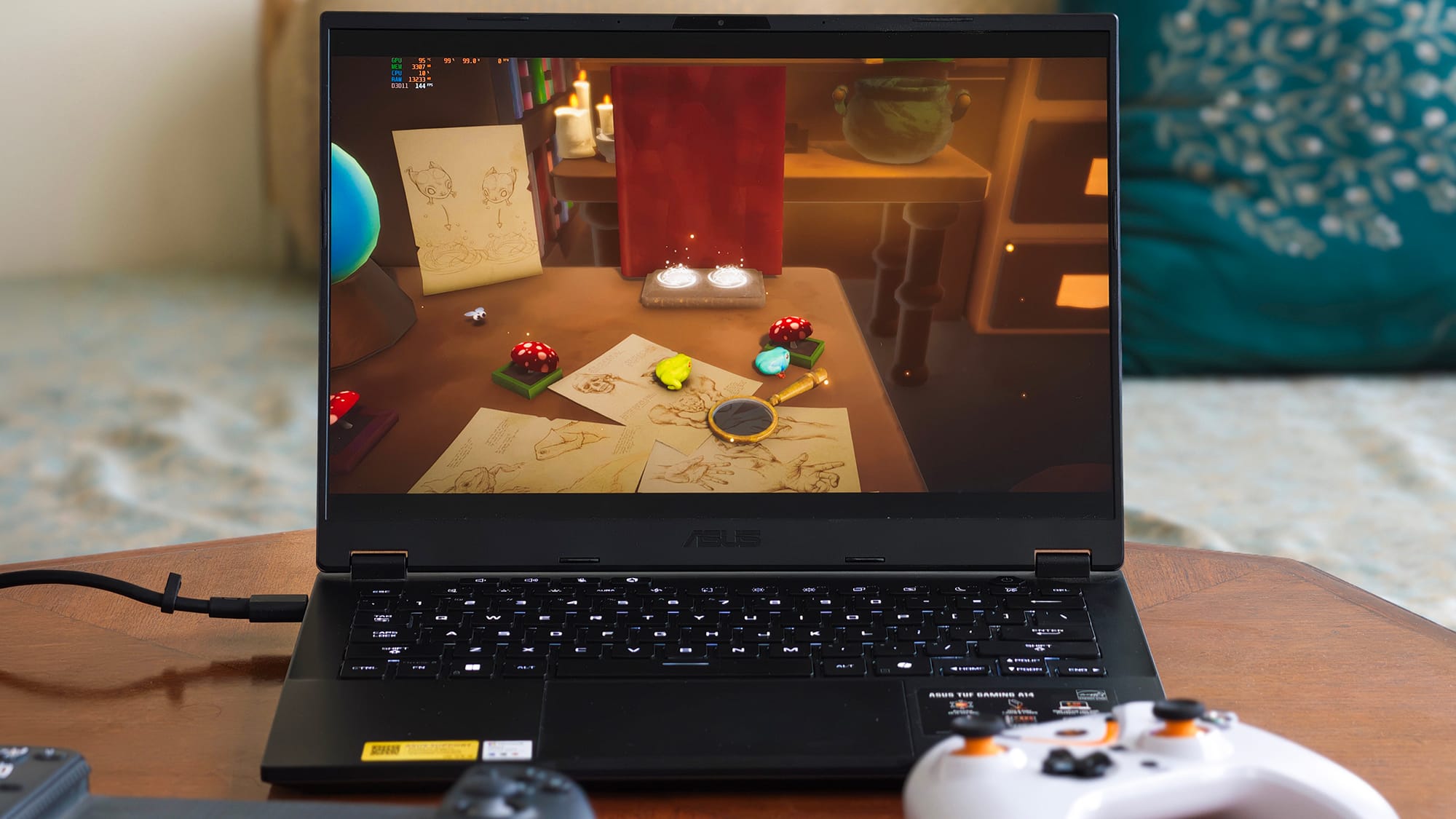
The ASUS TUF Gaming A14 I've been living with for the past three weeks is an oddity. It's a gaming laptop, and yet there's no discrete graphics card inside. No GeForce or Radeon sticker.
Instead, everything, including the 12 Zen 5 cores, the 40-compute-unit Radeon 8060S graphics, and the neural engine, lives on a single slab of silicon labelled the AMD Ryzen AI Max+ 392.
AMD's internal codename for this chip family is "Strix Halo," which, to be clear, has nothing to do with ASUS's ROG Strix laptops; it's purely AMD's silicon branding, and the confusion is unfortunate given whose laptop it's sitting in.
That one-chip approach is the entire story of this machine. It's why the TUF A14 weighs just 1.48kg, why it packs 32GB of blisteringly fast unified memory, and also why it costs ₹2,30,000 on Amazon India right now — the money that could buy you an objectively faster gaming laptop, including one from ASUS's own family.
But there are reasons it makes extreme sense. And I'll be dropping every bit I've noticed here in the review below.
A TUF shell that's grown up
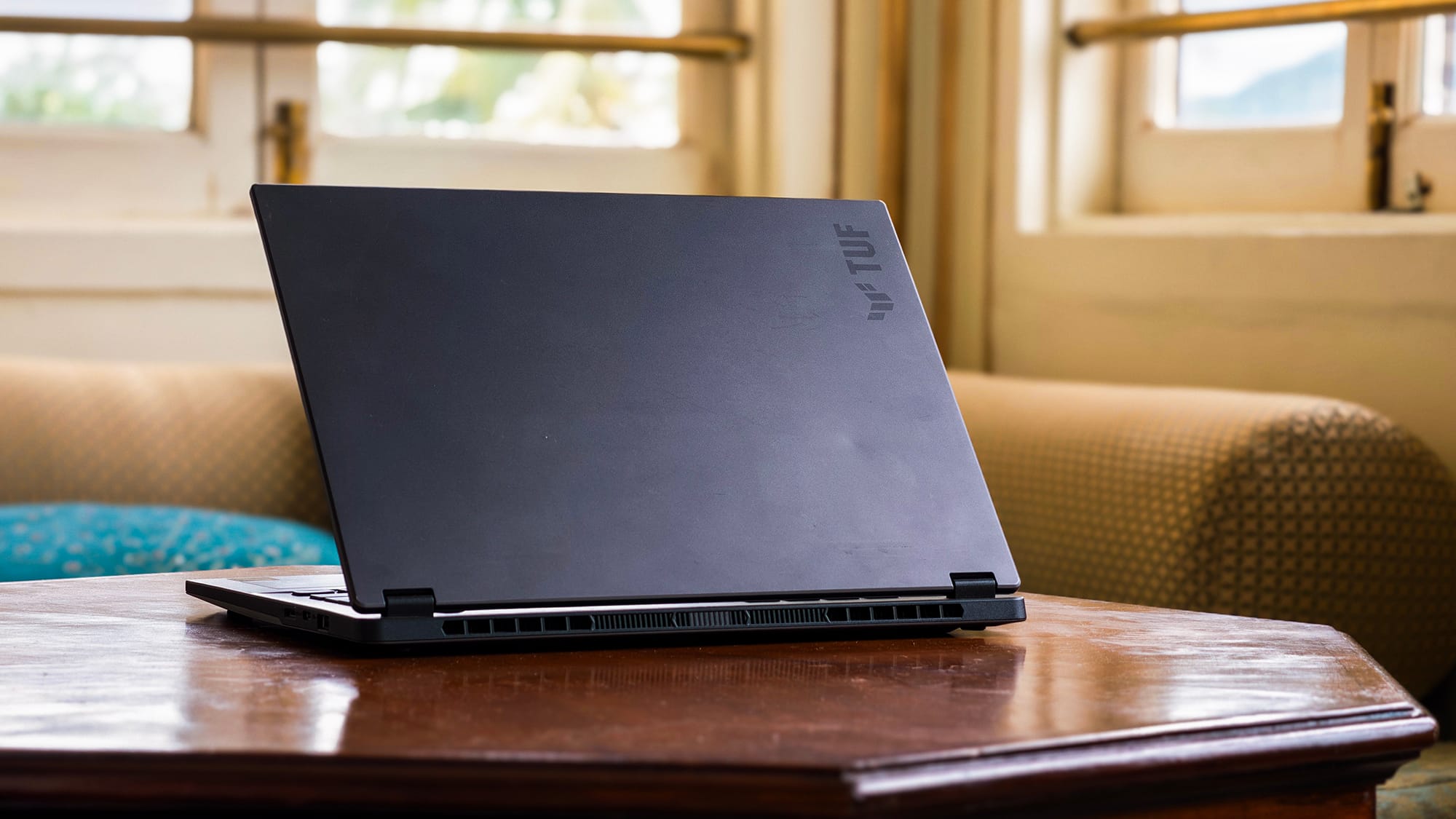
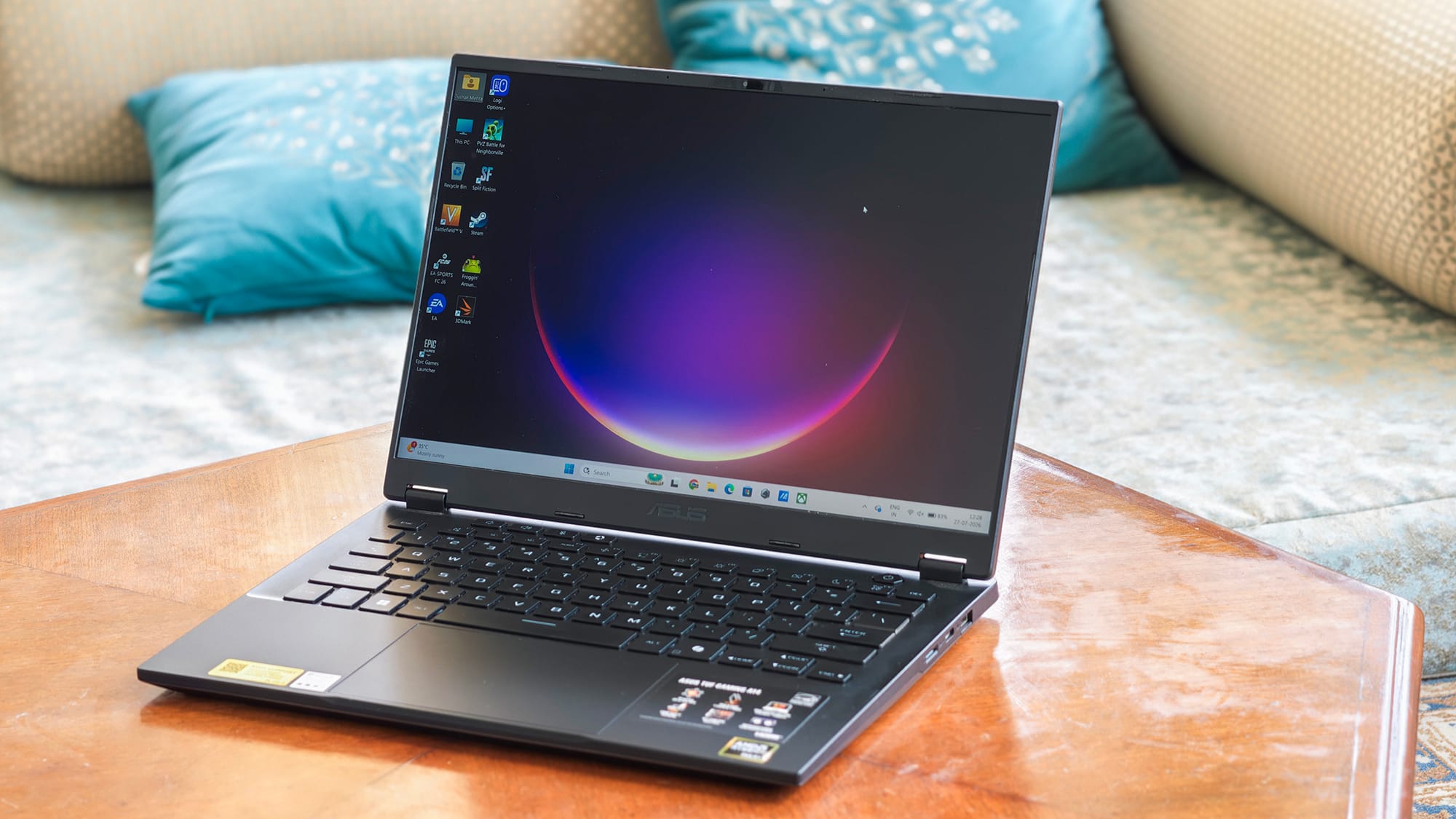
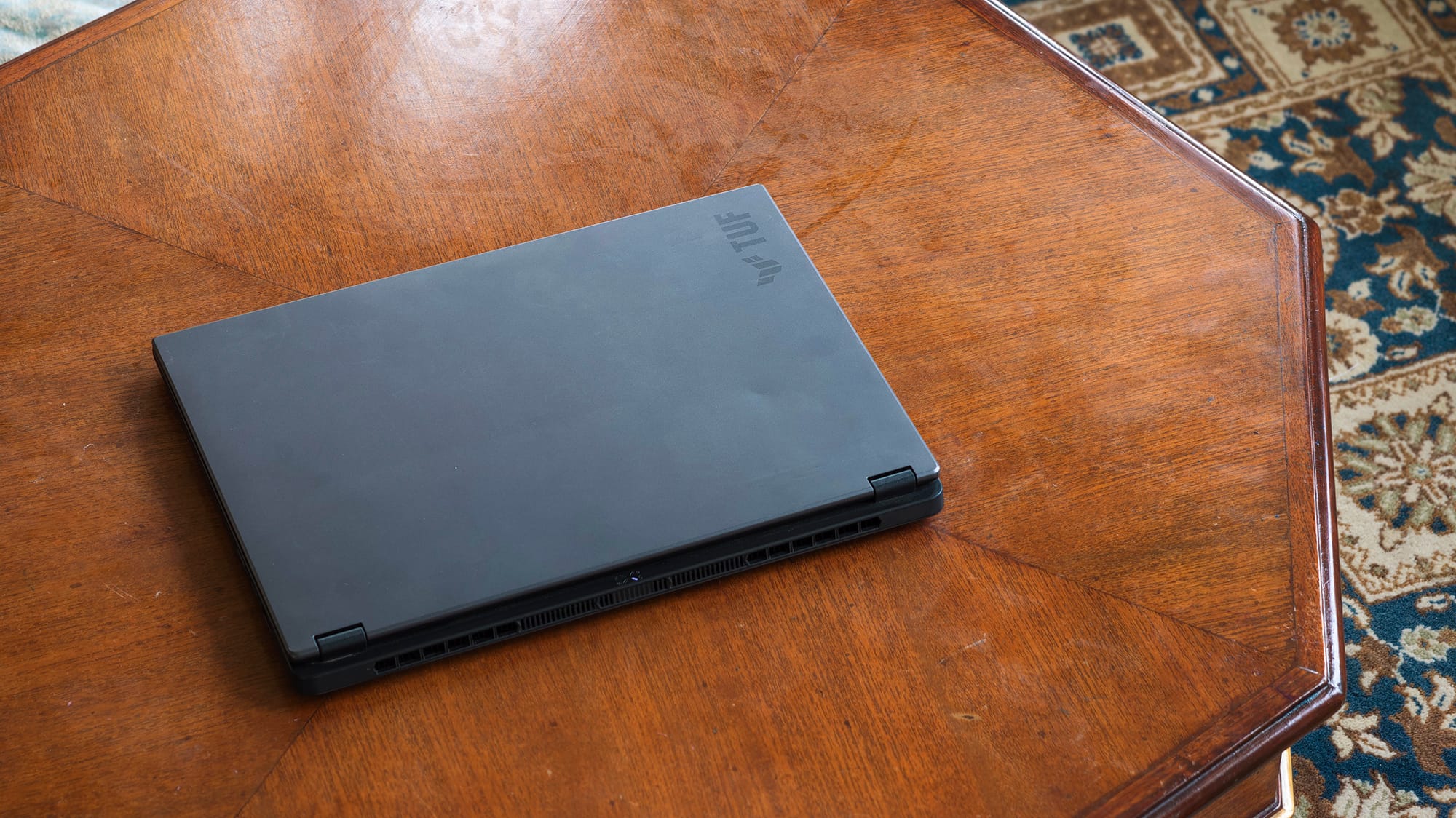
The TUF line has quietly shed its crude-gamer skin, and this TUF A14 is one of the most refined expressions yet. The lid is brushed metal, the bottom panel is metal too, and the whole thing reads more "serious work machine" than "RGB everywhere."
The wrist rest and screen bezels are plastic, as a visible cost-saving, but nothing about the chassis feels soft or creaky. Over three weeks of being shoved into bags and yanked out at desks, it has held together without a single complaint.
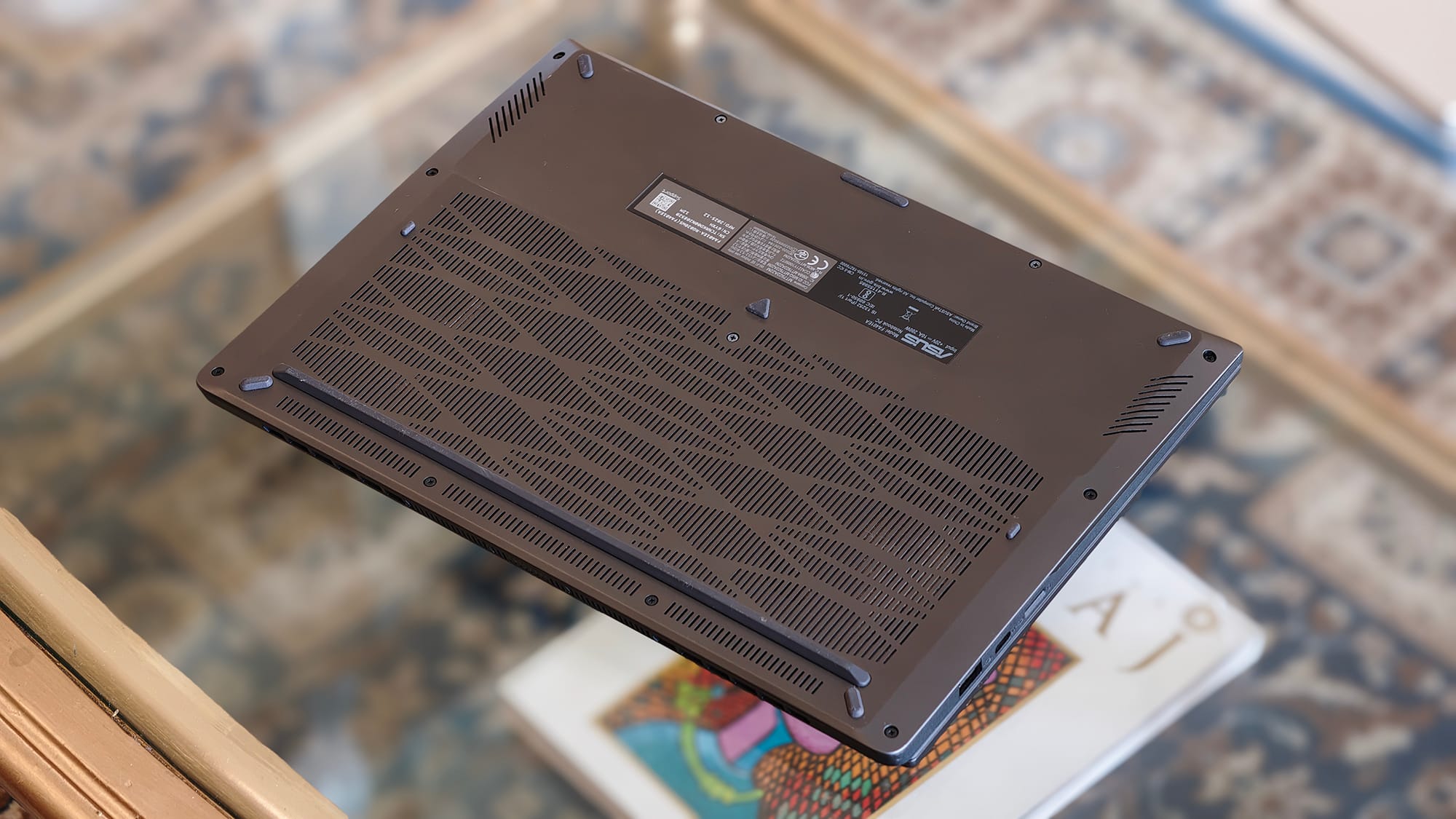
The hinge deserves a mention; it's firm, offers just the right resistance, and reclines nearly all the way flat to 180°. Small rubber feet on the underside prop the body up for airflow, and they work well, though I do wonder how they'll hold up to a couple of years of desk friction.
At 14 inches, this is also the rare gaming laptop that's genuinely portable rather than theoretically portable. The size is the sweet spot, and I'd take this footprint over a 15- or 16-inch machine any day for how I move around.
Display: sharp, smooth, but visibly compromised
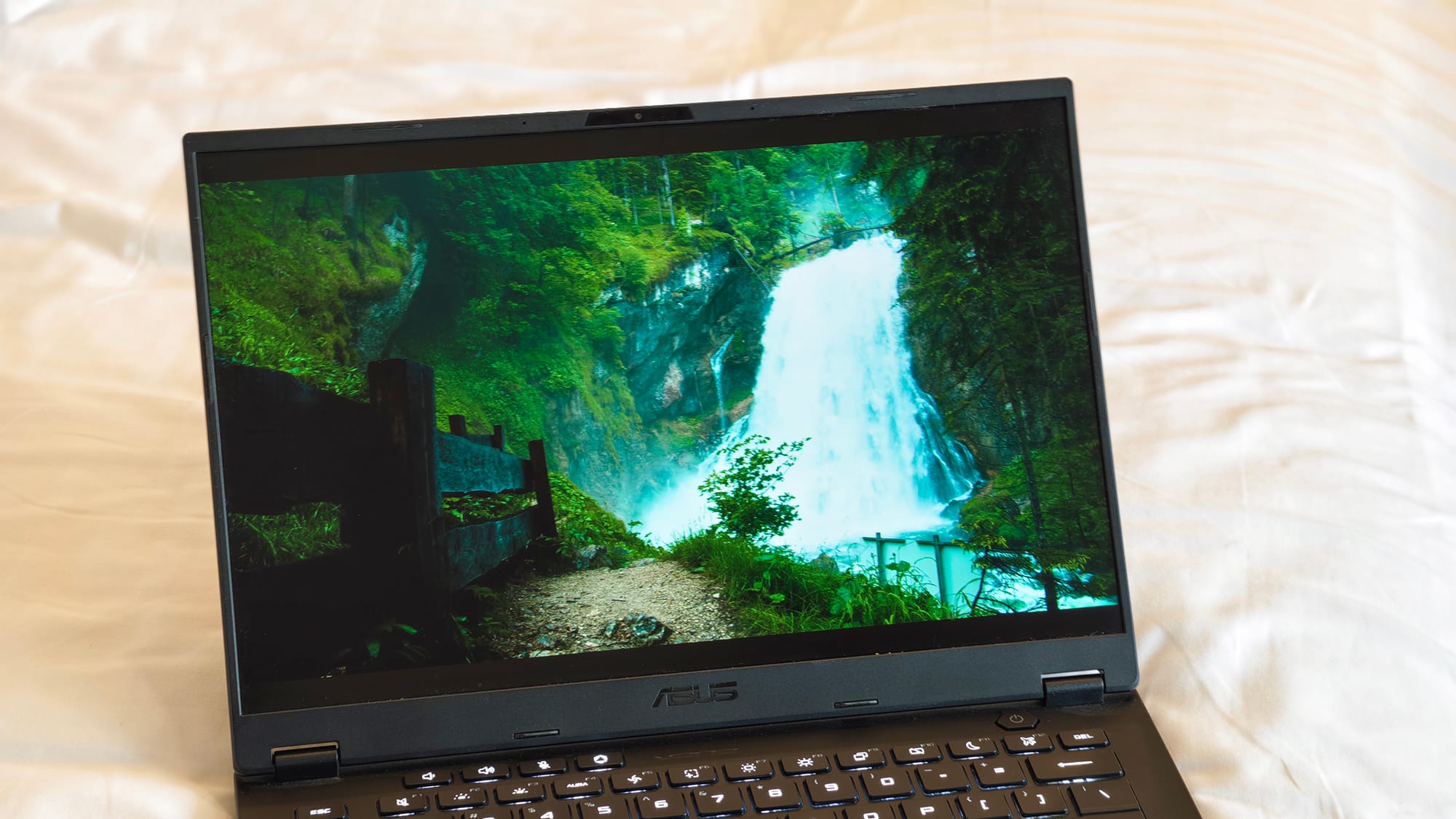
The 14-inch 2.5K IPS panel at 165Hz is sharp and fluid. Scrolling window-flinging, all of it feels smooth, and I never ran into jitter or hiccups. The anti-glare coating does honest work indoors. 165Hz especially feels like a blessing while gaming, and I wouldn't have it any other way with a laptop of this calibre.
But after spending a few weeks with it, the compromises surface. Despite a rated 400 nits, the panel feels much dimmer, especially when the moment ambient light picks up. For instance, at a cafe with daylight pouring through the windows, I can immediately feel the ceiling.
Colours run warmer than I'd like, too. Orange drifts towards red, and whites carry a yellowish-green cast. My instinct said this panel doesn't cover a wide DCI-P3 gamut, and the measurements back that up, making this fundamentally an sRGB panel with warm tuning.
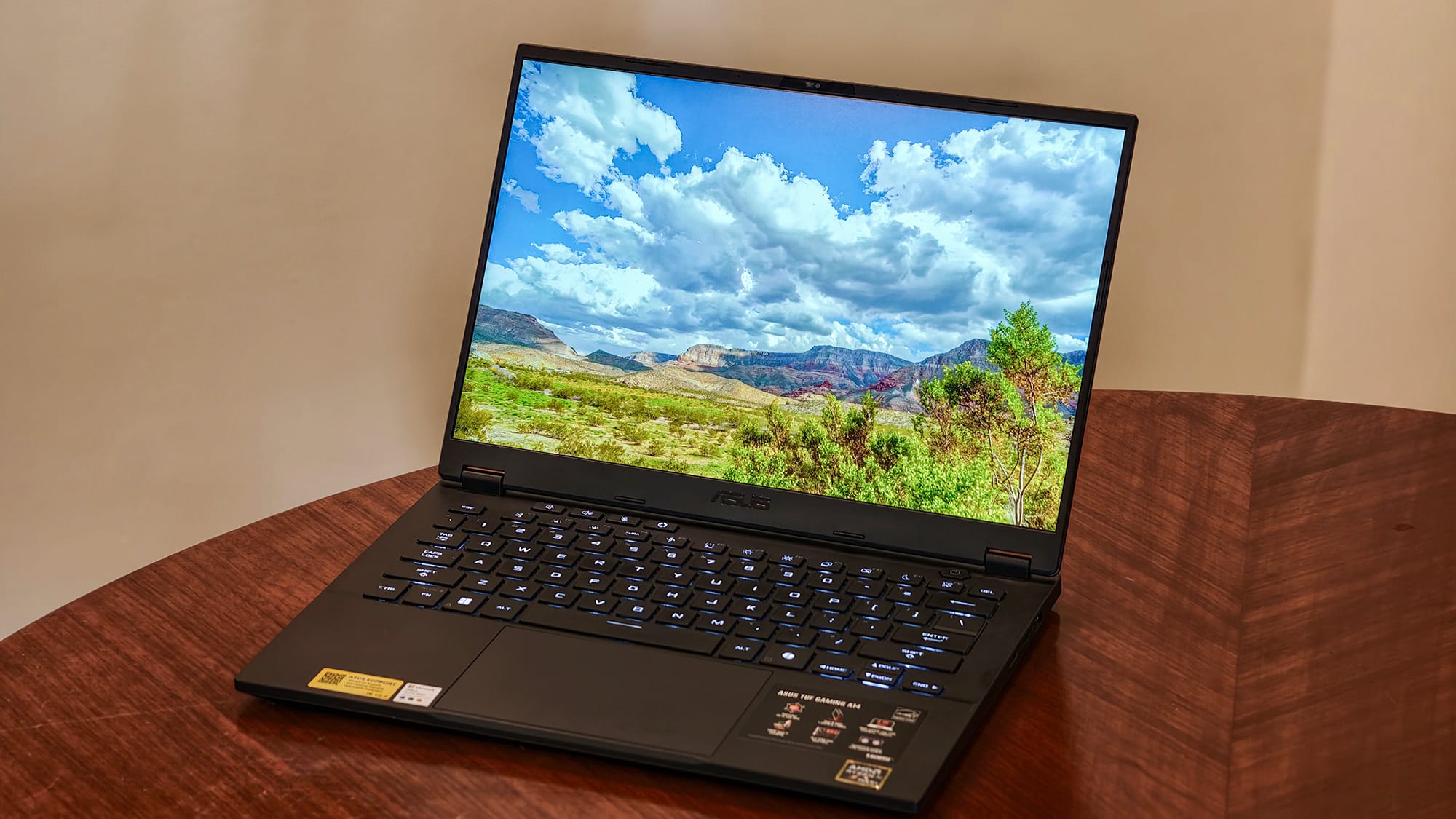
Contrast is the other weakness. There's visible blooming around dark elements, and bright whites can blow out. And although Windows display settings offer an HDR toggle, HDR simply doesn't work in practice, neither in YouTube, nor in games, nor anywhere I tried.
The two speakers are worse than the display. They're dull and quiet. The only time I can hear them clearly is when the laptop is literally in my lap. Step ten feet away and dialogue dissolves into mush. Dolby Atmos certification means nothing when the drivers can't fill a small room. Headphones or external speakers are mandatory equipment here.
Performance: a genuinely new kind of gaming laptop
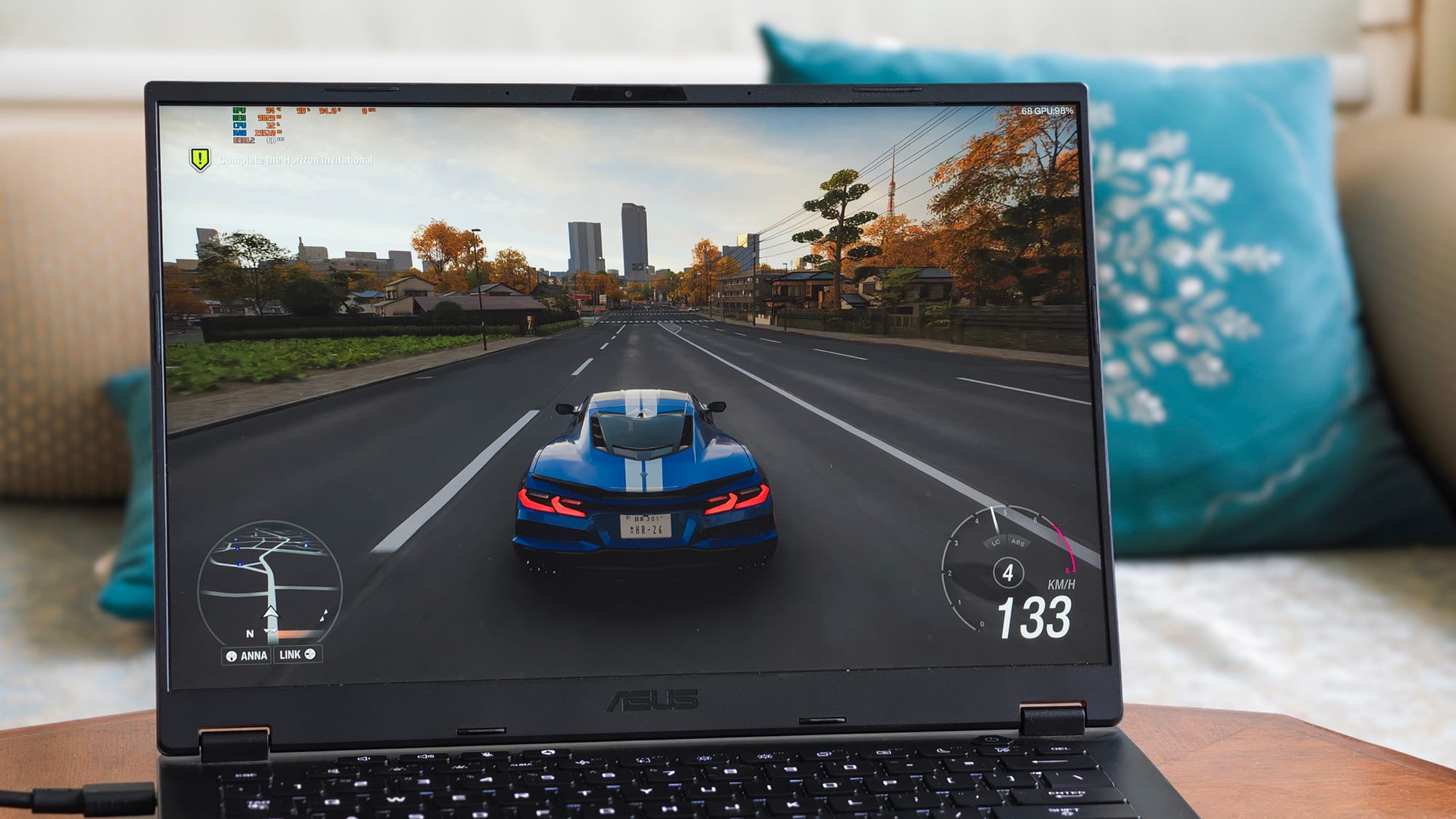
Here's where the TUF A14 gets interesting. The Ryzen AI Max+ 392 pairs 12 full Zen 5 cores (24 threads, 80MB cache, 5.0GHz boost) with the Radeon 8060S, one of the most powerful integrated GPUs ever put in a laptop. All of this is backed by 32GB of LPDDR5X memory running at 8000MT/s across a quad-channel bus.
A quick decoder on that memory spec, because ASUS's marketing invites confusion: 8000 is measured in mega-transfers per second, not MHz. Therefore, the actual clock speed translates to 4000MHz, a bit underwhelming for a gaming laptop.
Across a 256-bit quad-channel bus, it works out to roughly 256GB/s of bandwidth, roughly double what a conventional gaming laptop offers. That bandwidth is the only reason an integrated GPU with no video memory of its own can behave like a discrete card; CPU and GPU drink from the same 32GB pool, and I let the system apportion VRAM automatically throughout testing without issue.
Gaming: Expectations vs reality
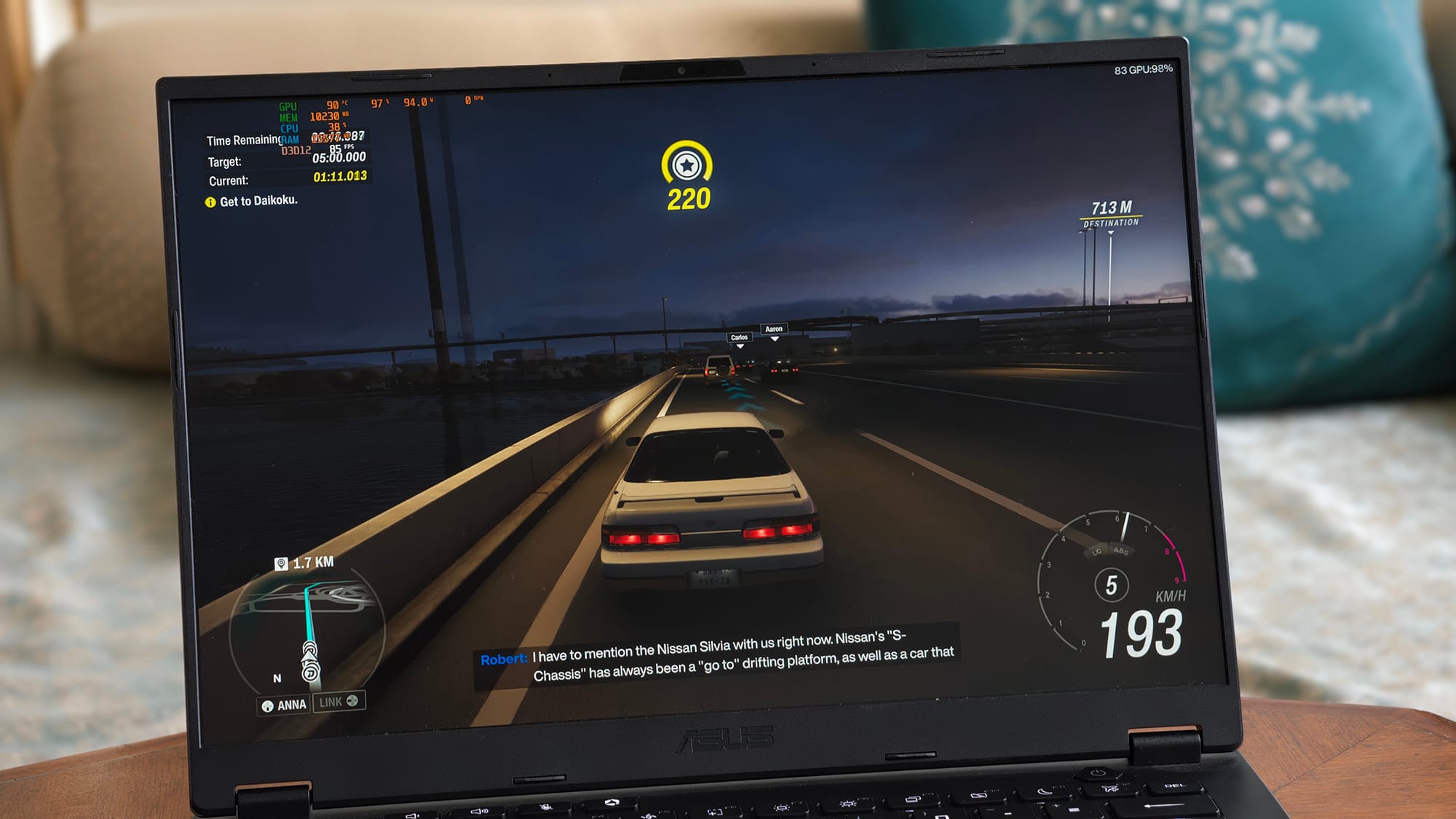
So how does it actually game? In Forza Horizon 6, and Split Fiction at High-to-Ultra settings, I consistently saw around 80–85fps at Full HD, and roughly 45fps at 4K when driving my Lumio Vision 9 TV over HDMI with VRR doing the smoothing. In Battlefield V and Froggin Around Demo, I could easily get around 150fps.
These numbers are with the laptop plugged in, on the High Performance profile with fans at full speed, though I didn't push the 95W Manual mode.
That's honest mid-tier discrete GPU territory: the consensus places the Radeon 8060S between an RTX 4060 Laptop and a low-wattage RTX 4070 Laptop in pure rasterisation, and my experience agrees.
Ray tracing is where the mask slips. Shadows render heavily in certain scenes, reflections lack polish, and unlike every recent RTX laptop I've tested, the games I played didn't even surface a ray tracing toggle to switch on.
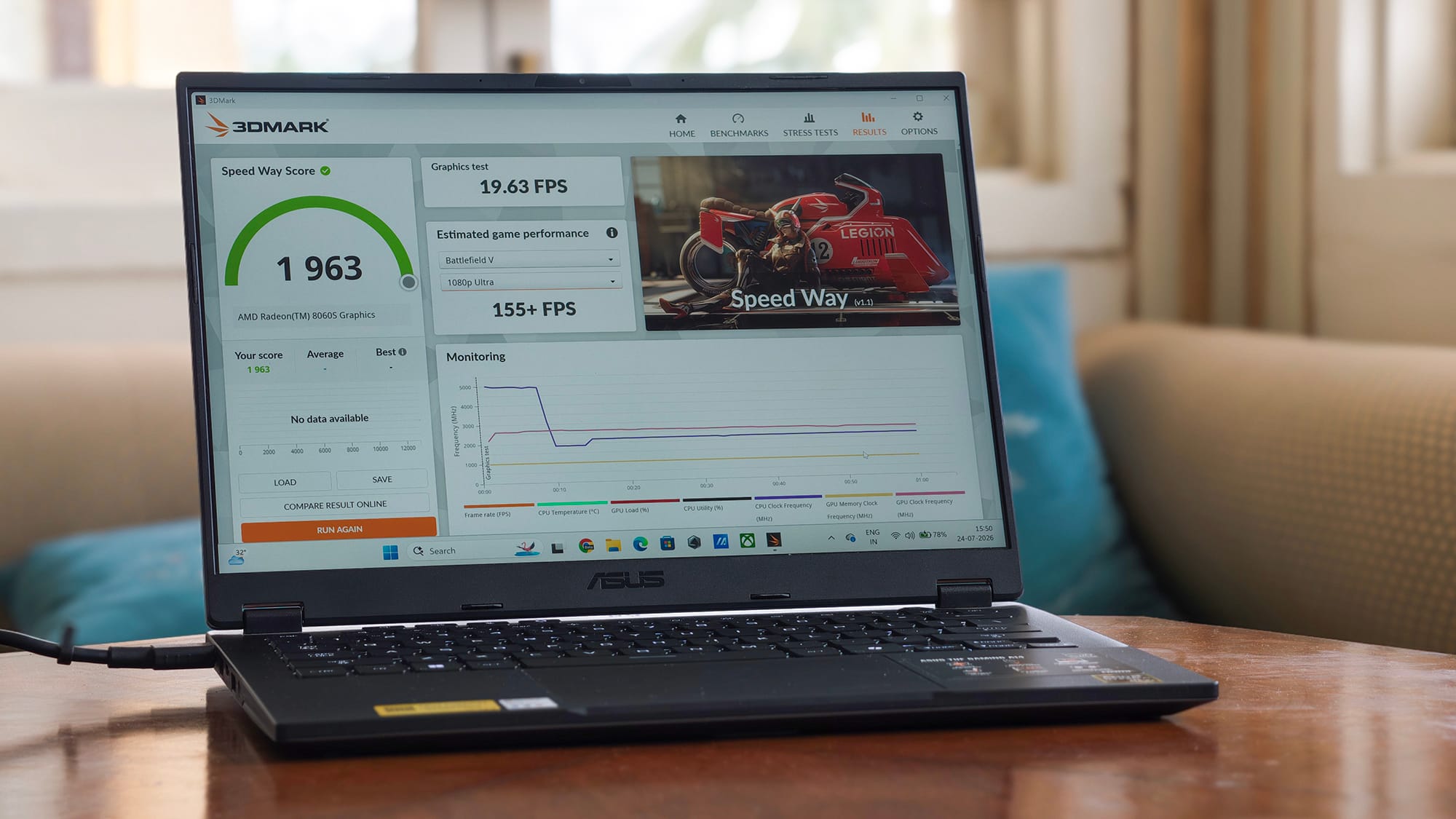
My synthetic runs quantify the gap: 1,963 in 3DMark's Speed Way (19.6fps) and 6,525 in Solar Bay Extreme (45fps).
For perspective, a full-power RTX 4060 Laptop typically lands in the mid-2,000s in Speed Way — my score is closer to a power-starved 4060 config. In rasterisation, this chip punches like a mid-tier RTX. The moment rays enter the frame, it drops a full class, with no DLSS-style crutch to lean on.
Can an iGPU truly replace a discrete one?
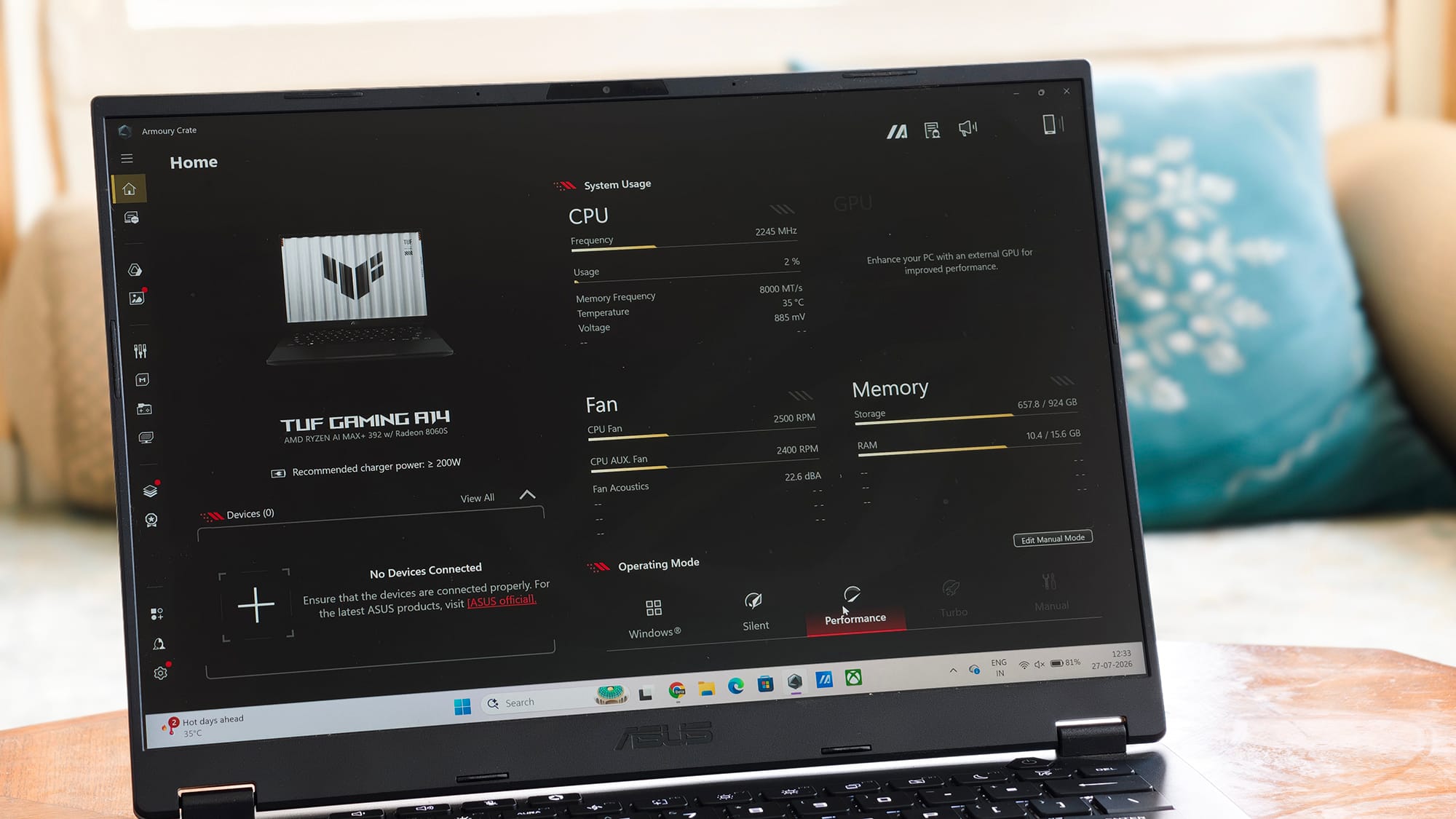
It's worth being clear-eyed about what an integrated GPU, however mighty, gives up against a discrete one. In a dGPU laptop, the processor and graphics card each get their own power budget. Here, however, both share a single envelope, so under combined load they inevitably eat into each other's headroom.
That 256GB/s of memory bandwidth is shared with the CPU too, which means it roughly matches — rather than beats — the dedicated bandwidth an RTX 4060's GDDR6 reserves for graphics alone.
And there's no substitute for Nvidia's fixed-function hardware and software moat: RT cores, DLSS, Frame Generation, and years of per-game driver polish. In three weeks, I never felt any of this as a problem, and a typical user who just wants games to run well wouldn't either. But technically, for pure gaming, a discrete GPU remains the better architecture.
Where the APU genuinely wins is memory-bound work. It can hand its GPU far more usable VRAM than any 8GB card ever will, with no copy overhead, at a fraction of the power. That's a real advantage; it's just not primarily a gaming one.
As an everyday machine, though, it's faultless. Writing, research, obscene numbers of browser tabs, nothing produced a stutter or a sign of stress across three weeks. I didn't get around to running local LLM tools, but with 32GB of unified memory and this bandwidth, the hardware is unusually well suited to it on paper.
Software-wise, Armoury Crate remains straightforward and genuinely useful, and the only bloat aboard is the customary McAfee squatter.
Thermals: loud, hot, and effective
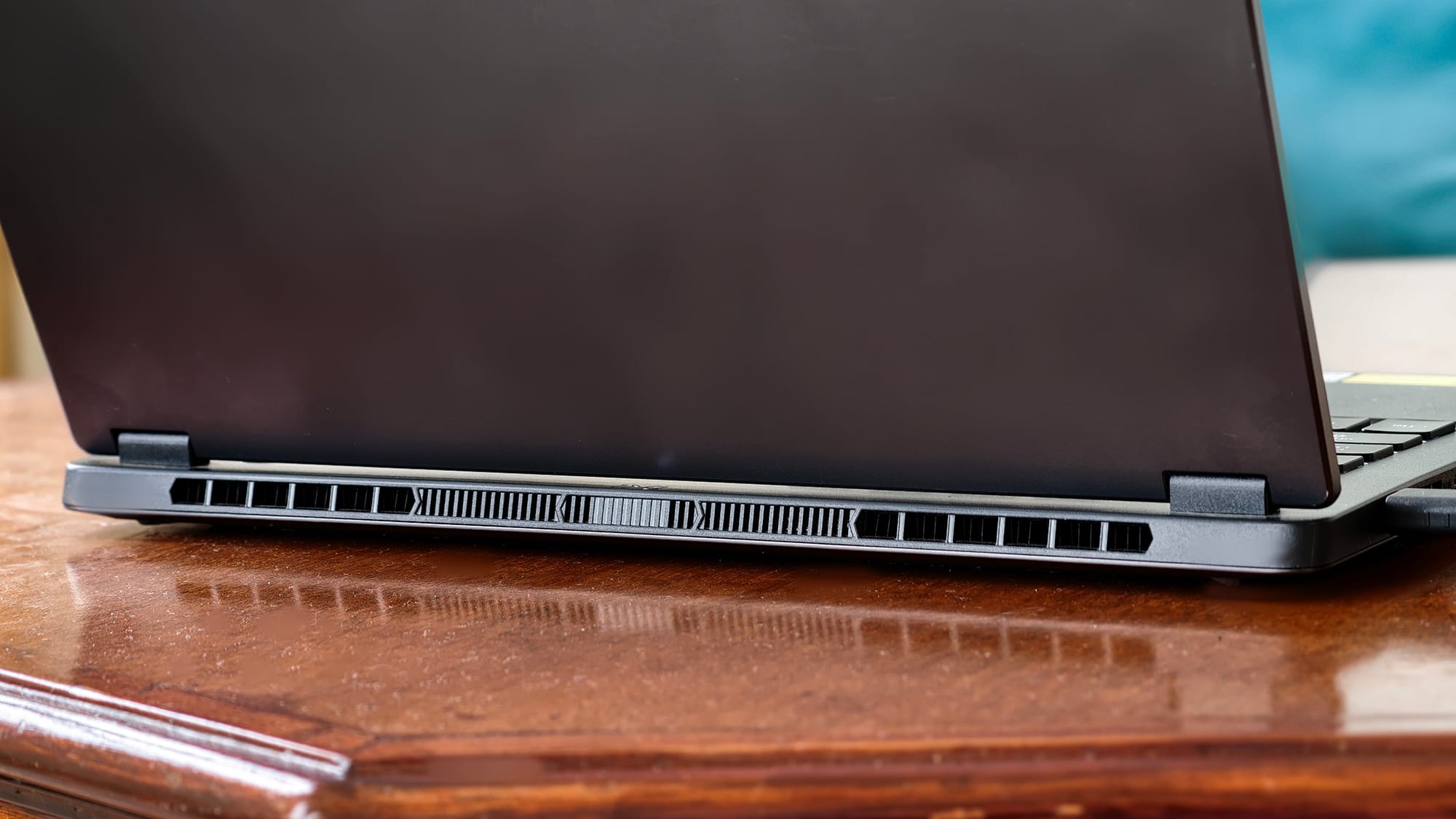
The dual 97-blade fans are loud and unmistakably present, but they do their job. CPU temperatures hovered around 80°C under gaming load per MSI Afterburner on the stock performance profile.
What I appreciate is the venting layout — exhaust goes out the rear rather than into your desk. What I appreciate less is how hot the underside gets regardless; I made a habit of keeping the laptop on an elevated surface to preserve airflow, and I would not game with this thing on my lap.
The zero-decibel ambient mode does keep things silent during light desk work by turning off one fan and limiting the RPM on the other.
The keyboard is where the budget shows
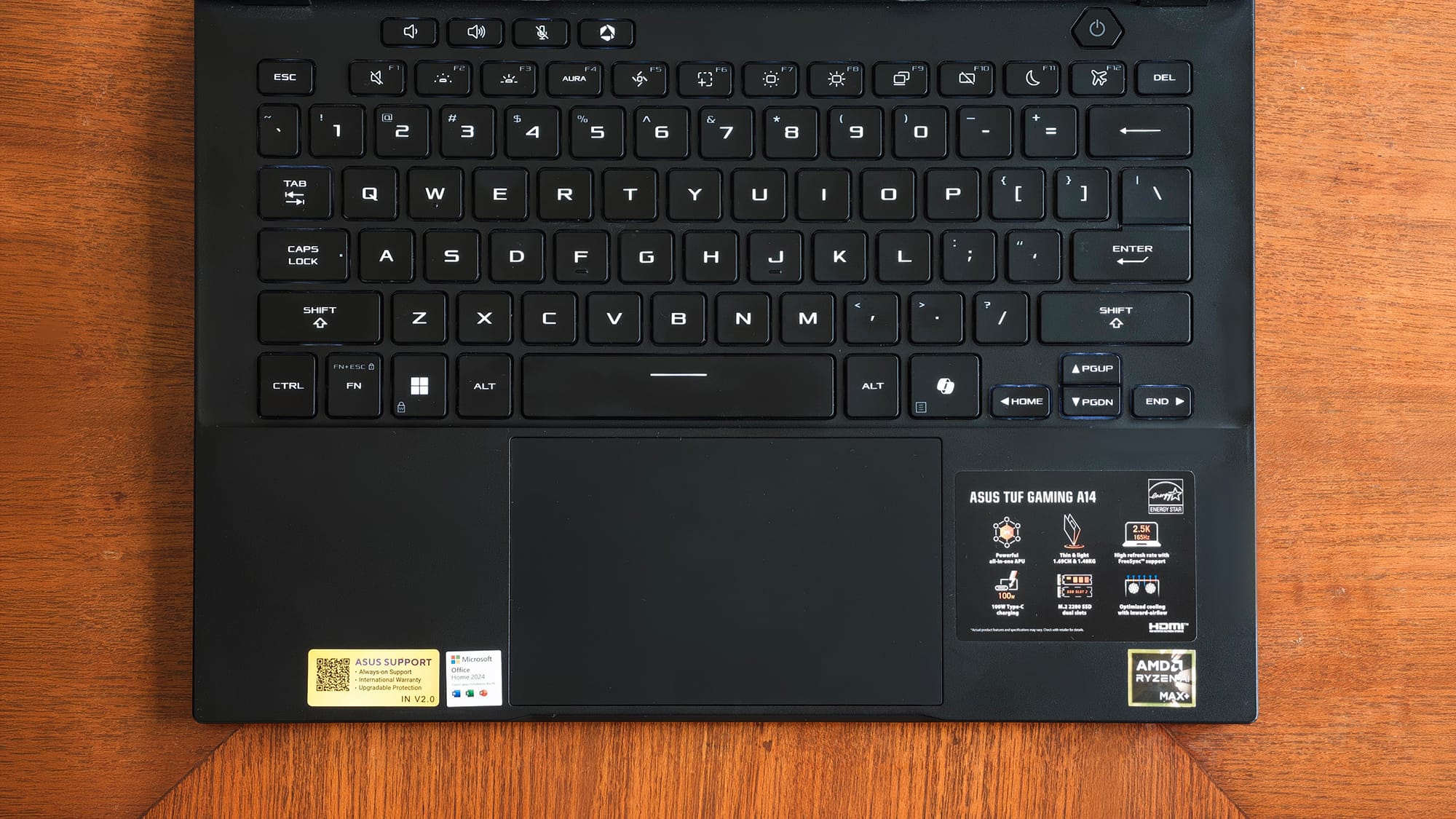
I'll be blunt: I'm not a fan of this keyboard.
The keys feel soft and mushy, a clear step down from the excellent keyboard on the ASUS Zenbook DUO I reviewed recently. Worse, they feel sticky; the actuation is oddly two-staged, with an initial resistance that suddenly gives way, and that inconsistency breeds typos.
I've had to press harder than I'd like, and when I do, keys occasionally register a double press instead of one. This happens most often with the laptop on my lap rather than a flat surface, which suggests some deck flex is in play.
Key travel itself is fine; it's the actuation force curve that's the problem. There's a dedicated screenshot key, which I genuinely like, but ASUS has also deleted the right Ctrl key in favour of a Copilot key I have never once wanted to press.
And then there's the backlighting: white only, single zone. The cheaper TUF F16 gets single-zone RGB and transparent WASD caps; this pricier machine gets neither. On a ₹2.3 lakh gaming laptop, that's a miss, full stop.
The touchpad, despite what ASUS's marketing implies, does not feel like glass, but instead a very smooth plastic. It tracks fine, and I've had no functional issues, but there's no illuminated NumberPad here either, a trick ASUS happily includes on far cheaper Vivobooks.
Battery: good runtime, some bad habits
The 73Wh battery holds up fine in active use, with half a writing-and-browsing workday being easily achievable. But this machine has a vampire problem: leave it idle or asleep overnight, and it will happily bleed 10–15% of its charge doing nothing. That's not acceptable behaviour in 2026, and it repeatedly caught me out. I had to ensure the battery had enough before stepping out, and had to keep it plugged in even while I wasn't using it so as not to run into the issue of low battery.
Gaming on battery isn't practical, full stop. It gets only about 1.5 to 2 hours on the internal display, and under an hour driving a 4K TV.
USB-C charging at 100W works fine for desk duty, but it cannot keep up under gaming load.
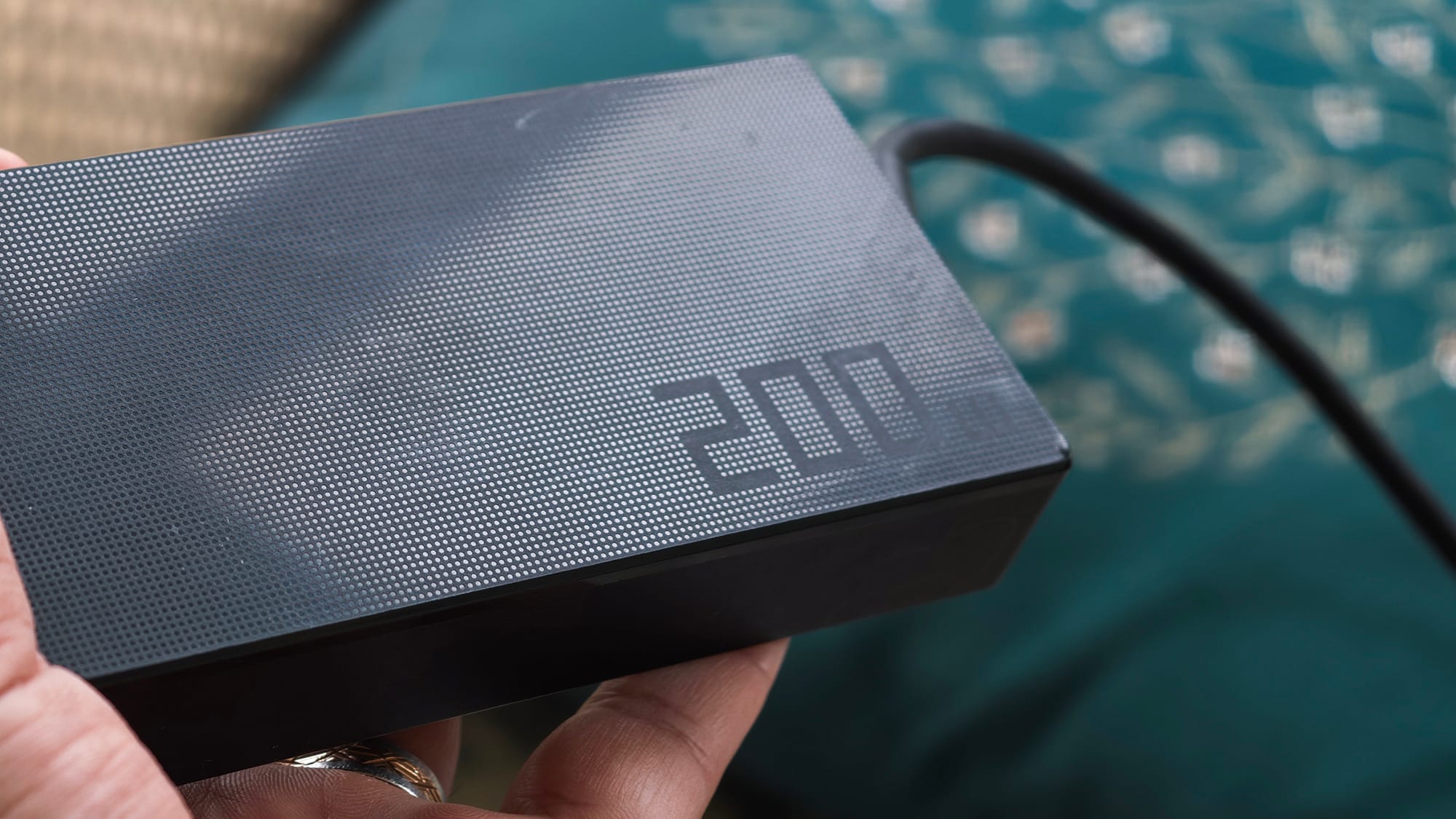
I cannot rely on USB-C while gaming — the 200W brick is mandatory.
The fast-charge story follows the same split: with the bundled 200W barrel charger, a full top-up takes a reasonable 70–80 minutes. Over USB-C, however, ASUS's charging claims feel inflated.
One more irritation: only the left-side USB4 port accepts charging. The second USB-C port is USB 3.2 and doesn't support USB-Power Delivery. This is because USB-PD is mandatory on USB4 but optional on USB 3.2 ports, and ASUS chose to skip the latter as a cost-cutting measure (not cool!)
In a USB-C-first household like mine, it's a daily inconvenience a ₹2.3 lakh laptop shouldn't impose.
But beyond that, connectivity is genuinely good for a 14-incher: HDMI 2.1, two 10Gbps USB-A ports, a UHS-II microSD reader, and a spare M.2 2280 slot for cheap storage expansion.
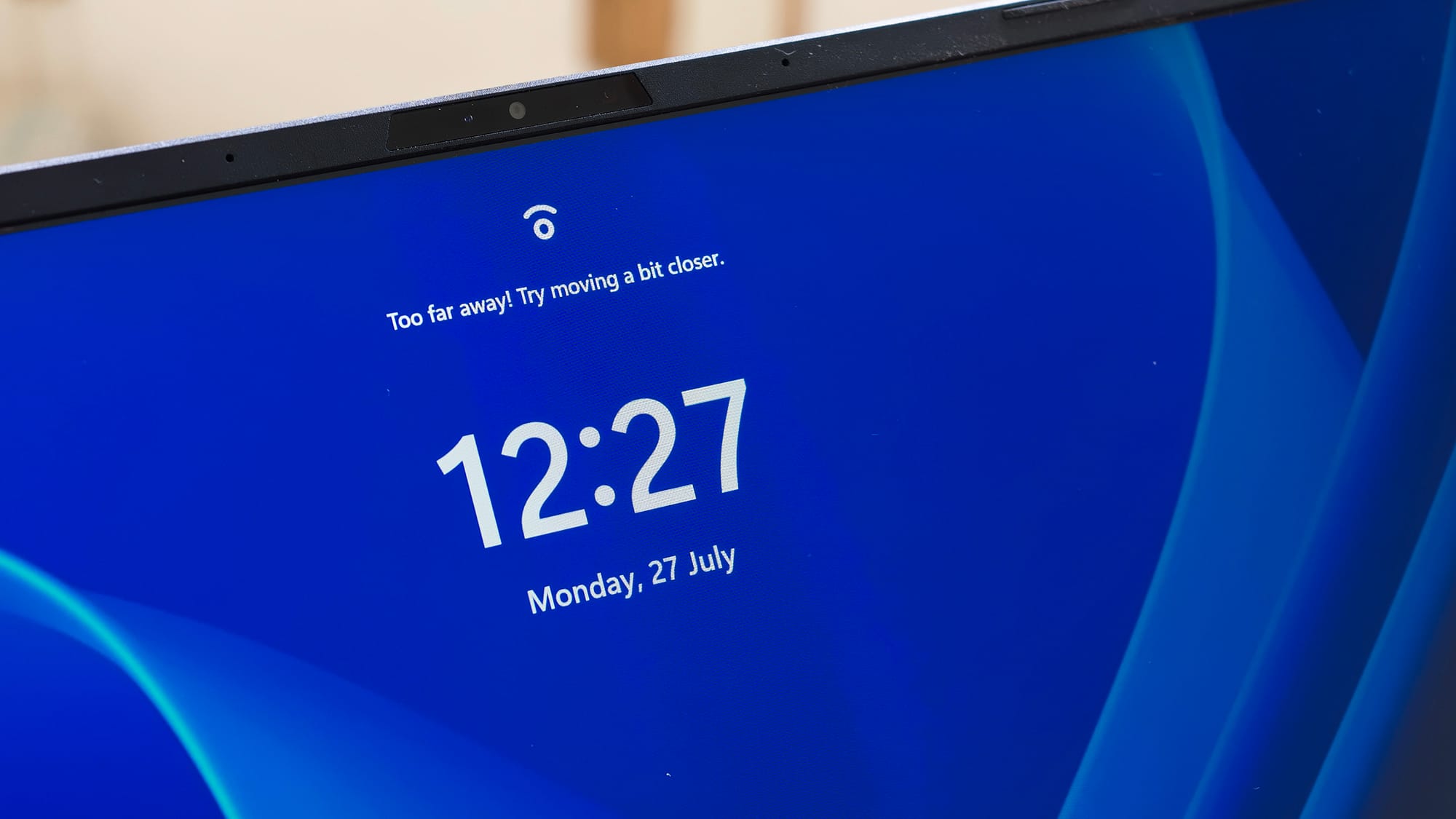
Windows Hello face unlock works, but without a proximity sensor it only triggers when you're sitting attentively 30–50cm from the unimpressive FHD webcam. The mics are merely alright.
The verdict, and the elephant(s) in ASUS showrooms
Here's the problem ASUS created for itself. There is another version of TUF Gaming A14 — the FA401GM — with a Ryzen AI 9 465 and a proper RTX 5060 Laptop GPU at up to 115W, DLSS 4 with Multi Frame Generation, real ray tracing, G-Sync, and a MUX switch, in this same chassis with this same display. It sells for meaningfully less, around ₹2 lakhs.
For pure gaming per rupee, it may seem like a better, if you can accomodate one shortcoming. The machine makes you swallow 16GB of non-expandable RAM and an 8GB GDDR7 buffer — and after three weeks with this one, the 32GB of unified memory feels like a blessing. 16GB on a ₹1.5-lakh-plus laptop in 2026 is pure criminal; 8GB of VRAM on a "5060" is worse.
The ROG Zephyrus G14 is another more desirable object overall, with its lovely OLED panel, but its Ryzen AI 9 HX 370 can't match the Max+ 392's sustained multi-core muscle, and the Indian configurations skimp on memory too (you get just 8GB unless you spend ₹2.8 lakhs. But for that you get RGB lighting, a much better design, and an OLED display.
So, TUF A14 (FA401EA) ends up a laptop for a very specific person: someone who games seriously but not exclusively, who values a monster CPU, enormous fast memory, and 14-inch portability over ray tracing and upscaling tricks — and who can stomach the price of being early to a new kind of silicon.
It's a fascinating machine and, in flashes, a genuinely impressive one. You would, however, have to make peace with the mushy keyboard, the sRGB-and-warm display, the whisper-shy speakers, the overnight battery drain.
Pros
- Class-leading integrated graphics
- Excellent 12-core Zen 5 CPU
- 32GB fast unified memory
- Clean, solid, genuinely portable build
- Good port selection with spare M.2 slot
- Effective (if loud) cooling with sensible venting
- Extremely portable
Cons
- Costlier yet slower in games than its own RTX 5060 sibling
- Mushy, typo-prone keyboard with white-only backlighting
- Warm, sRGB-limited display with broken HDR
- Weak speakers
- Severe idle battery drain
- Gaming demands the 200W brick
- Single charging-capable USB-C port