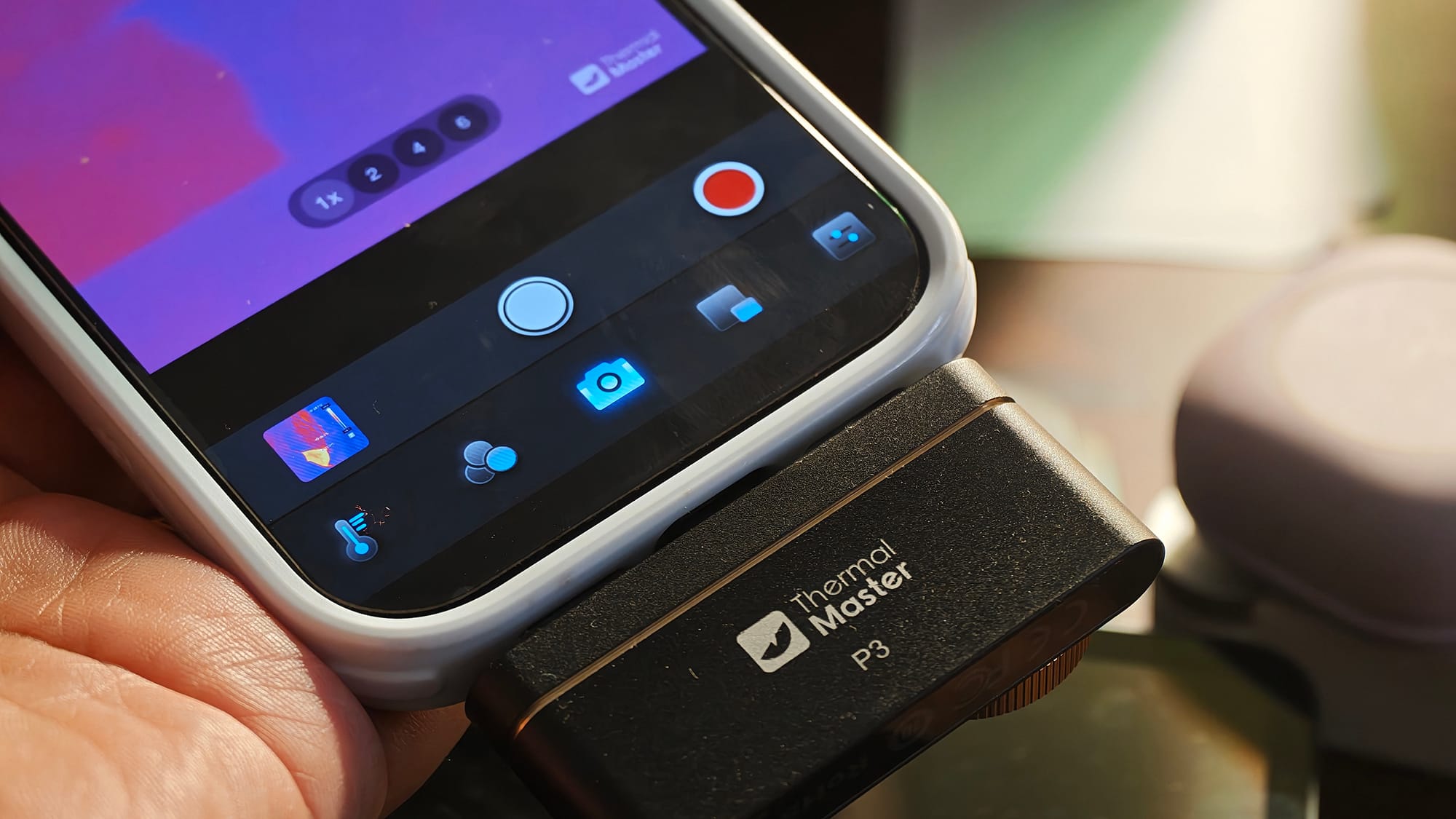
Thermal Master is a reputed name in the thermal camera business, and P3 is its latest infrared-based thermal camera that plugs into your phone's USB-C port. At $299, it is built for inquisitive minds, whether they use it for fun or for work.
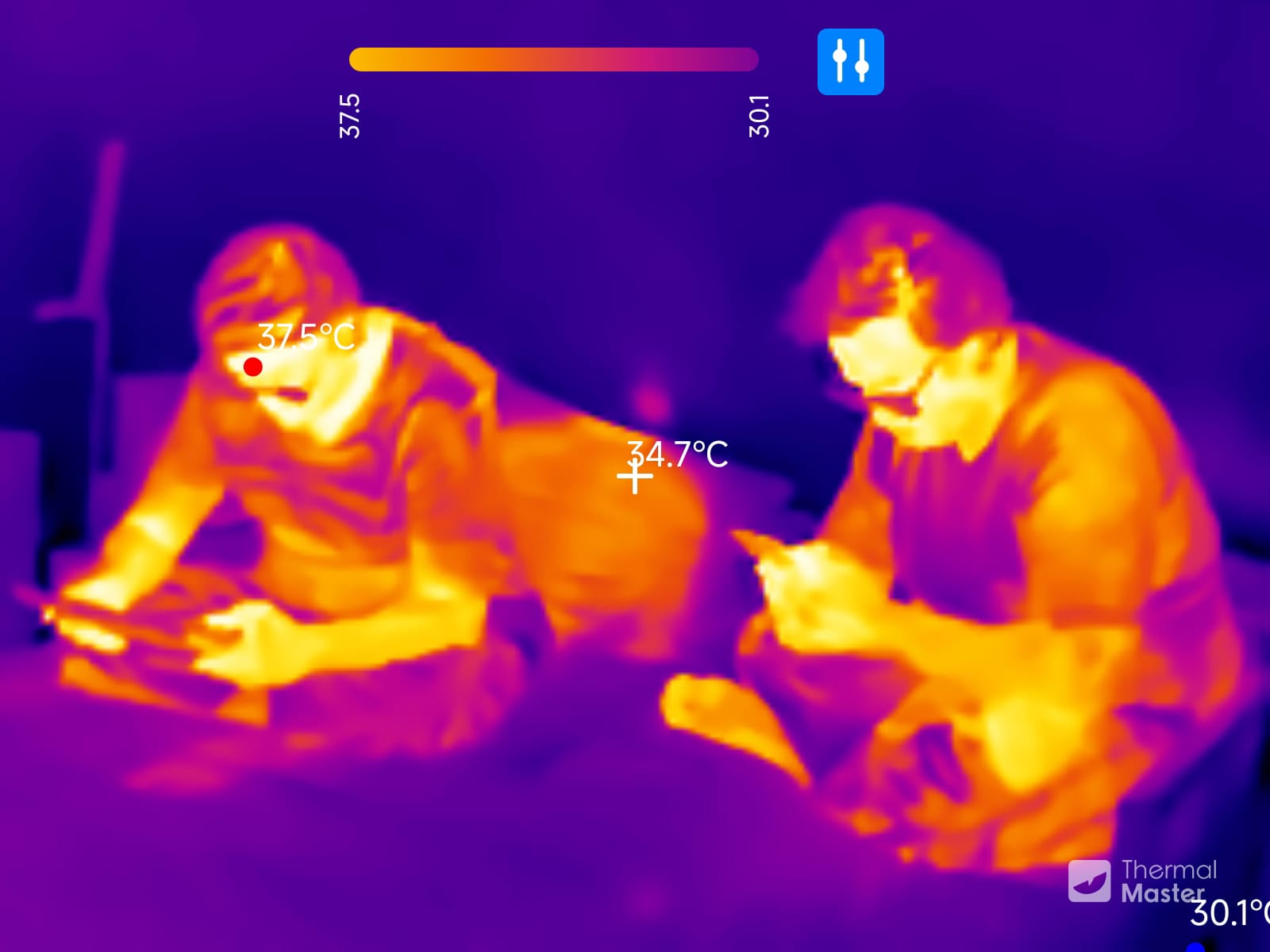
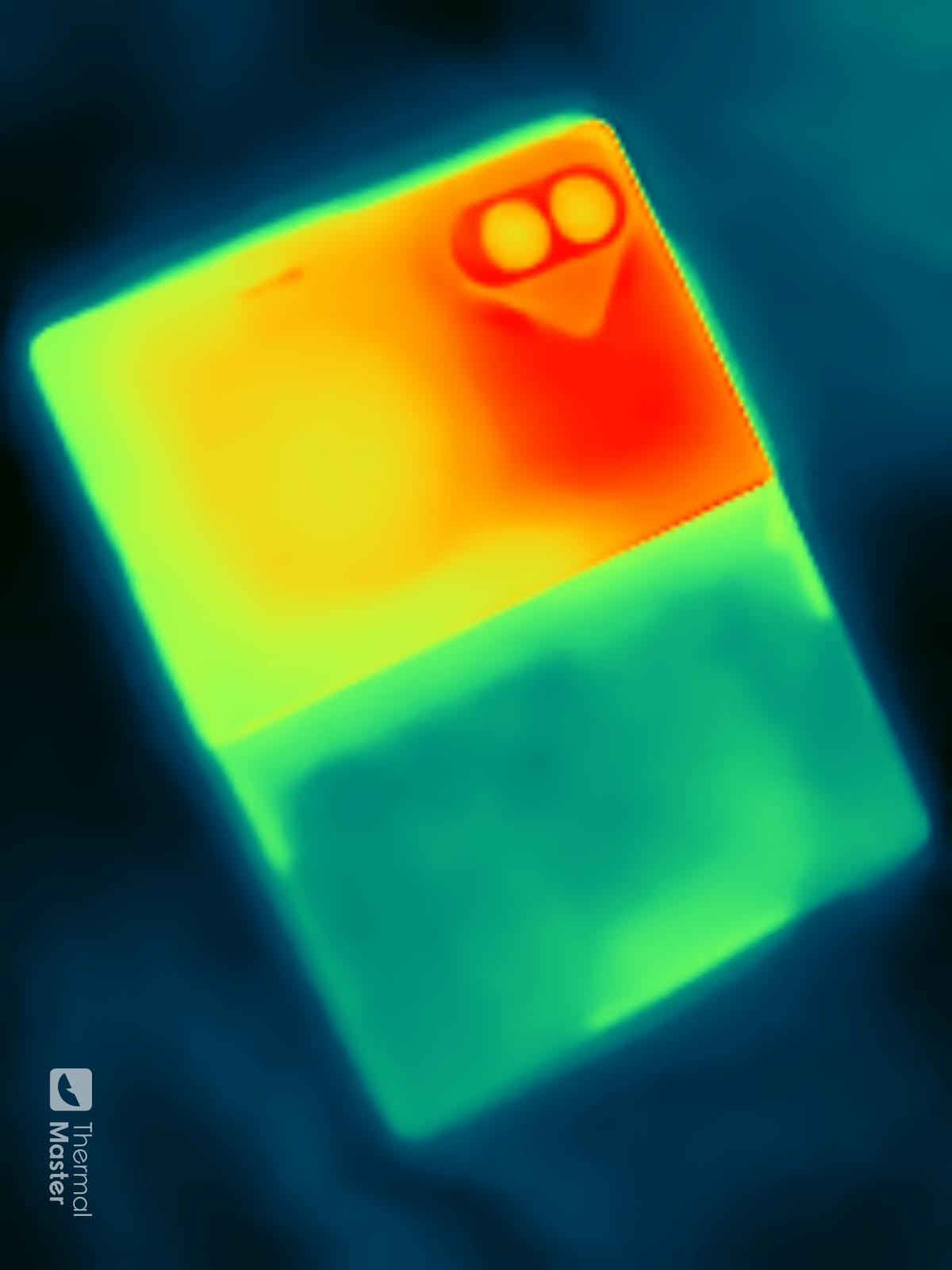
I plugged it directly into the USB-C on my Xiaomi 17 Ultra and the iPhone 17 Pro, and then used the including USB-C-to-Lightning adapter to use it with an iPhone 11, pointing it mostly at people, my dogs and the devices I test.
The focus ring matters more than the resolution
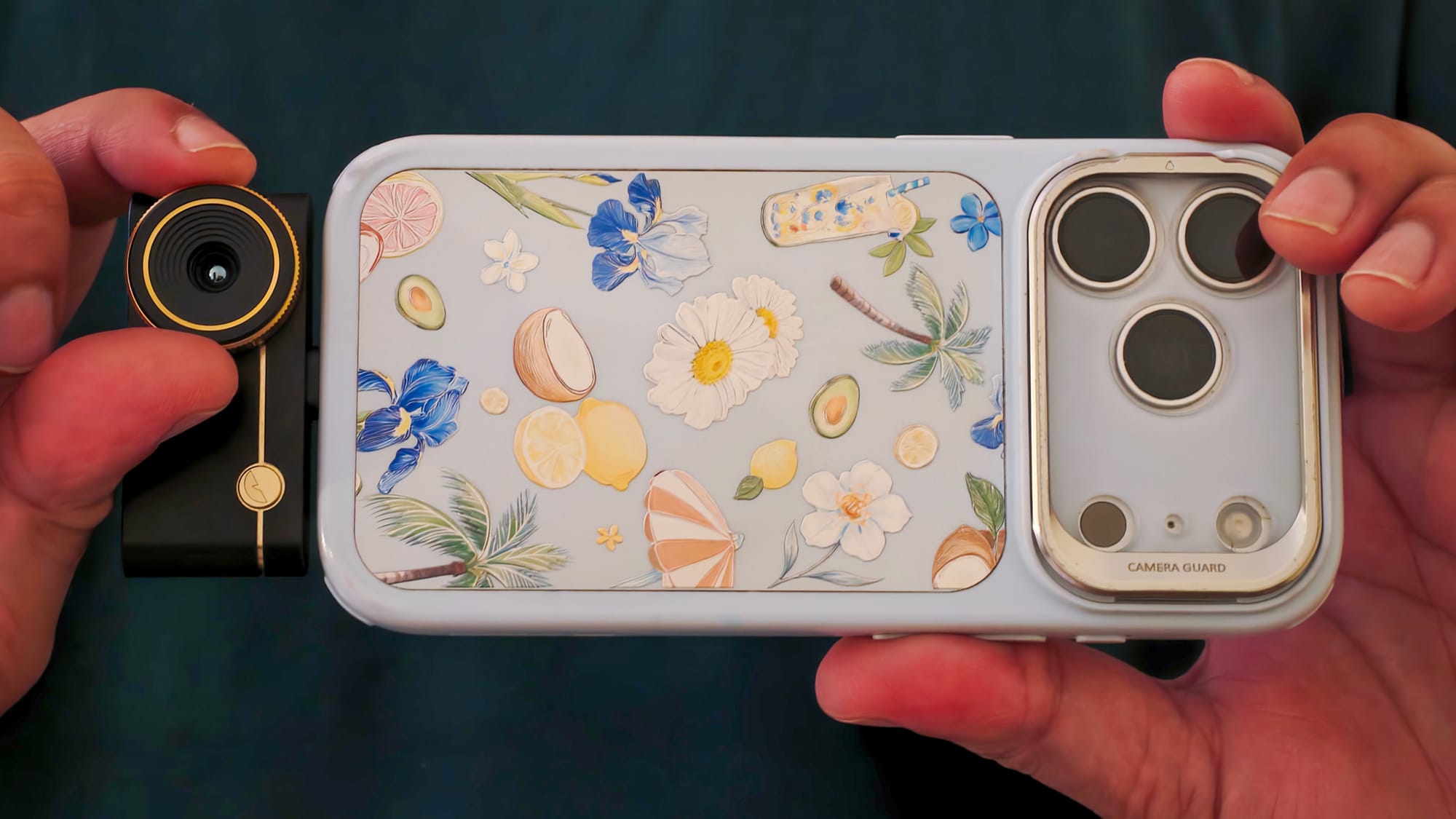
The sensor captures images at 256×192 pixels, which Thermal Master upscales to 512×384. That is still only about 0.2 megapixels, and I couldn't see the upscaling make a real difference.
What truly does sharpen the picture is the manual focus ring. It turns like the ring on a camera lens and needs no setup. It won't make a tiny hot spot stand out more than it already does, though. If the temperature difference is noticeable, you'll see it either way.
The zoom goes up to 15x, which is extreme. Around 6x still looks fine.
There is no autofocus, so you can't tap the viewfinder to focus on a spot. That isn't a dealbreaker for a thermal camera. But $299 isn't cheap, and I expected better when basic phone cameras have autofocus.
Holding sugar at 115°C
One of the P3's most practical jobs was in my kitchen. My wife makes sugar wax, and the syrup has to stop cooking at around 115°C. A few degrees too hot and the wax sets too hard. Too cool and it stays runny.
She couldn't stop the cooking at the right point. A cooking thermometer and a handheld IR gun were either too slow or not accurate enough.
Held about 15cm from the pot, the P3 showed the whole surface live, with crosshairs marking the temperatures in the key areas, making it easy to stop the cooking at the right time.
If you make candy, you can use it the same way.
Readings and palettes
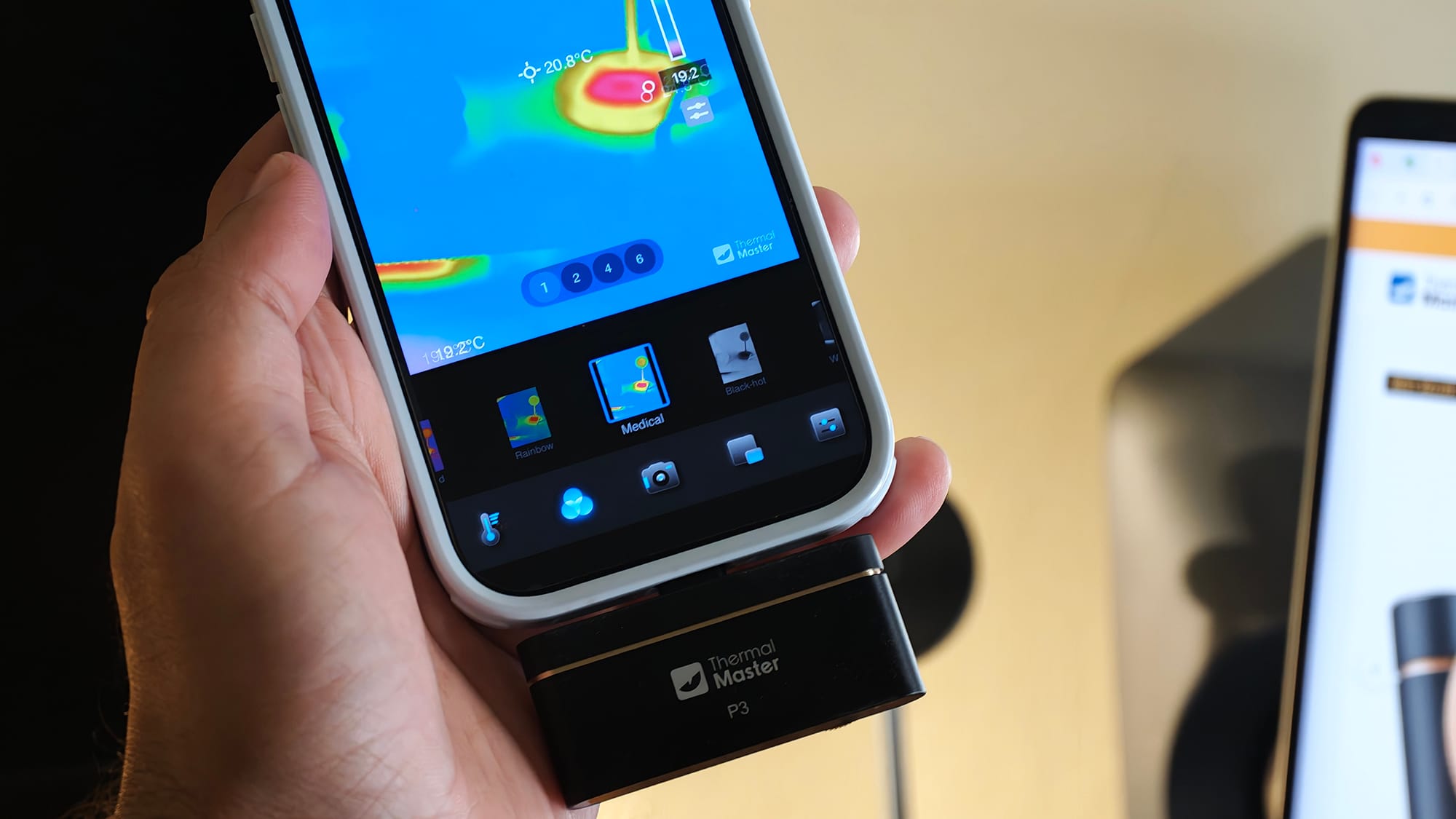
The P3 showed the same temperatures as my InfiRay P2 Pro, an older phone thermal camera, when I compared the two.
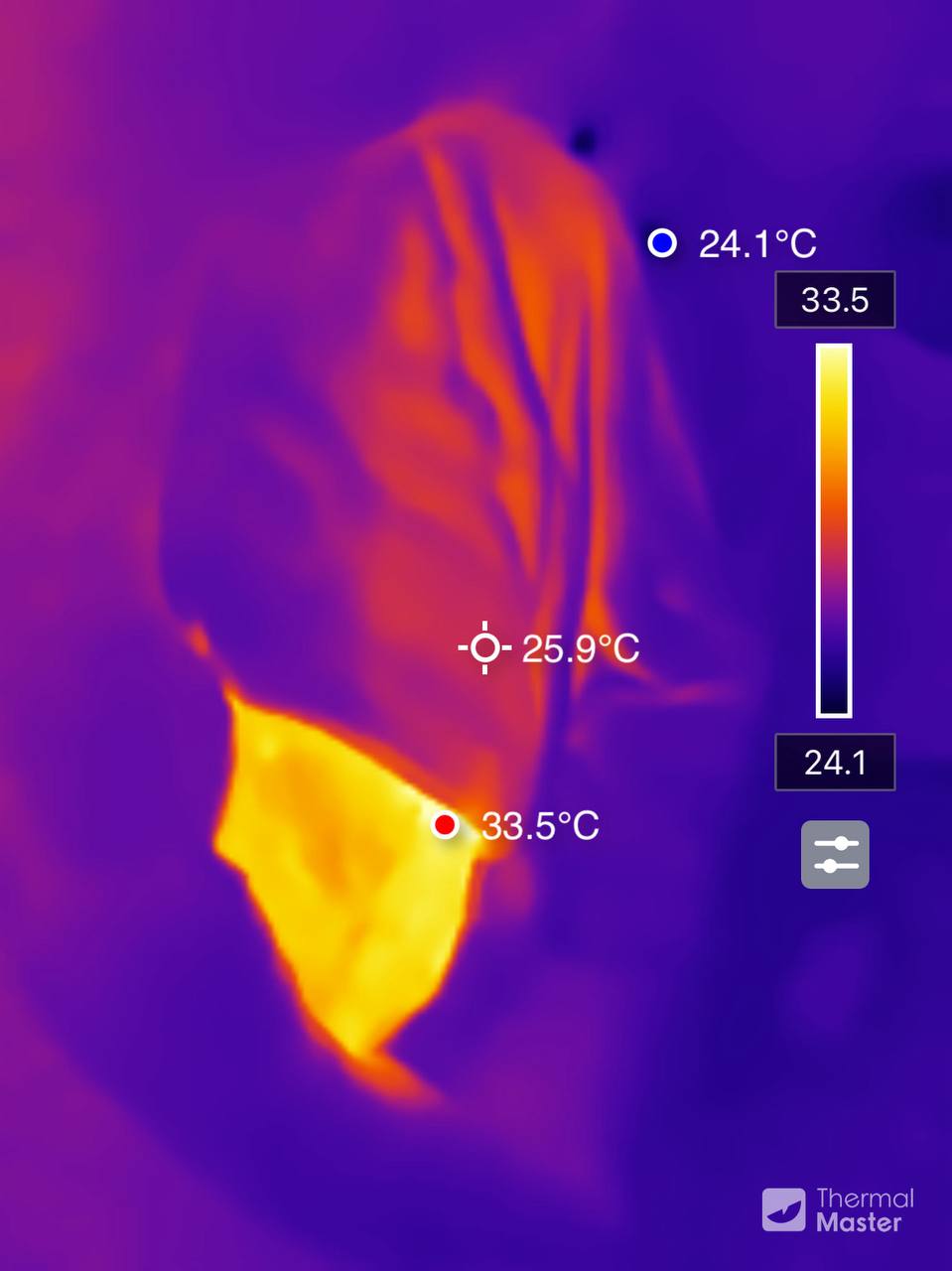
I mostly kept the standard palette, which paints the scene in purples, greens, yellows, and reds. For reading precise temperatures, the gray palette with red highlights works best.
Living with it
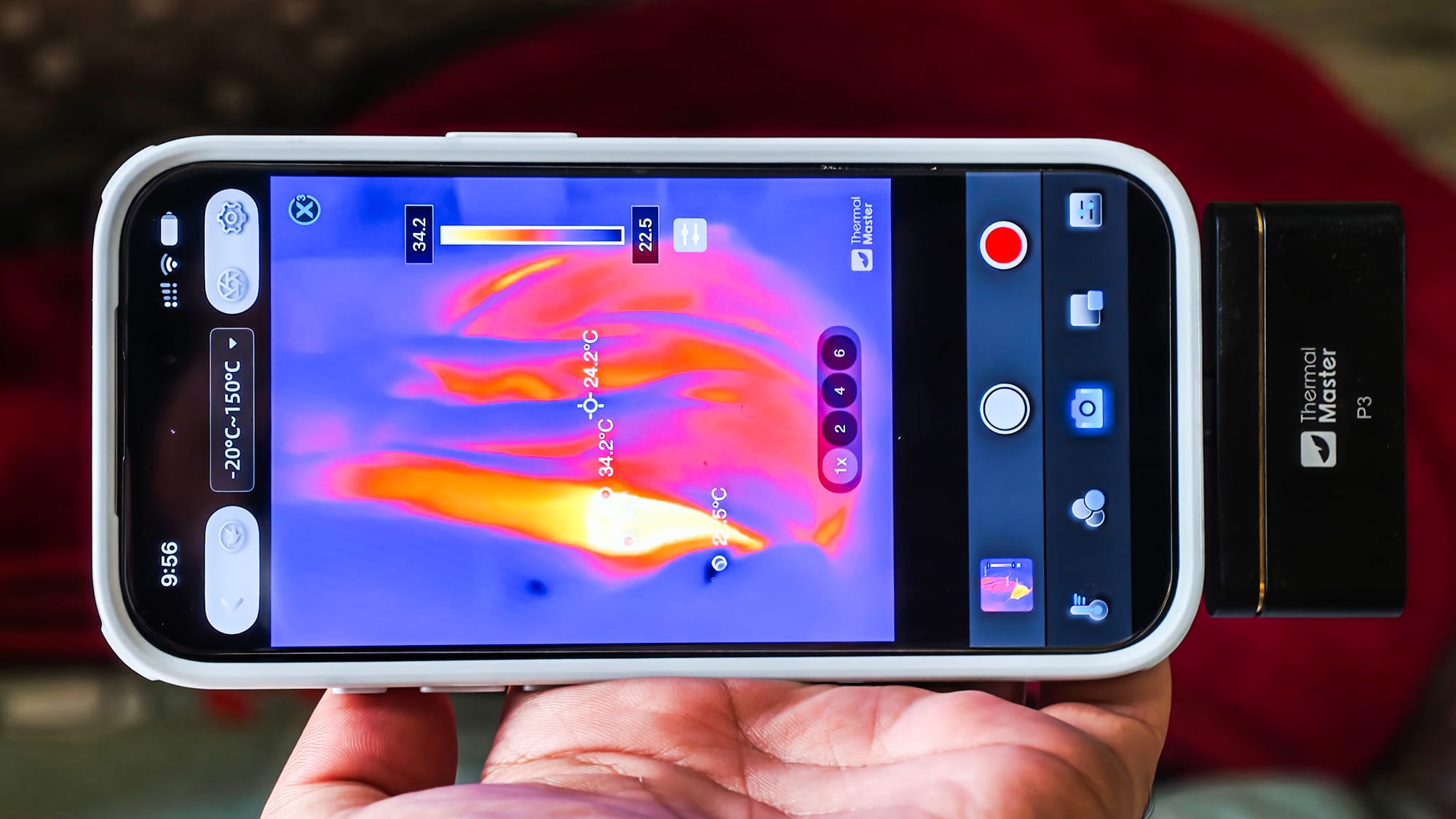
The camera clicks every few seconds. That is its internal shutter recalibrating the sensor, and it is annoying when you record video.
On Android, plugging it in sometimes opens the P2 Pro app instead of Thermal Master's own, which can also be annoying.
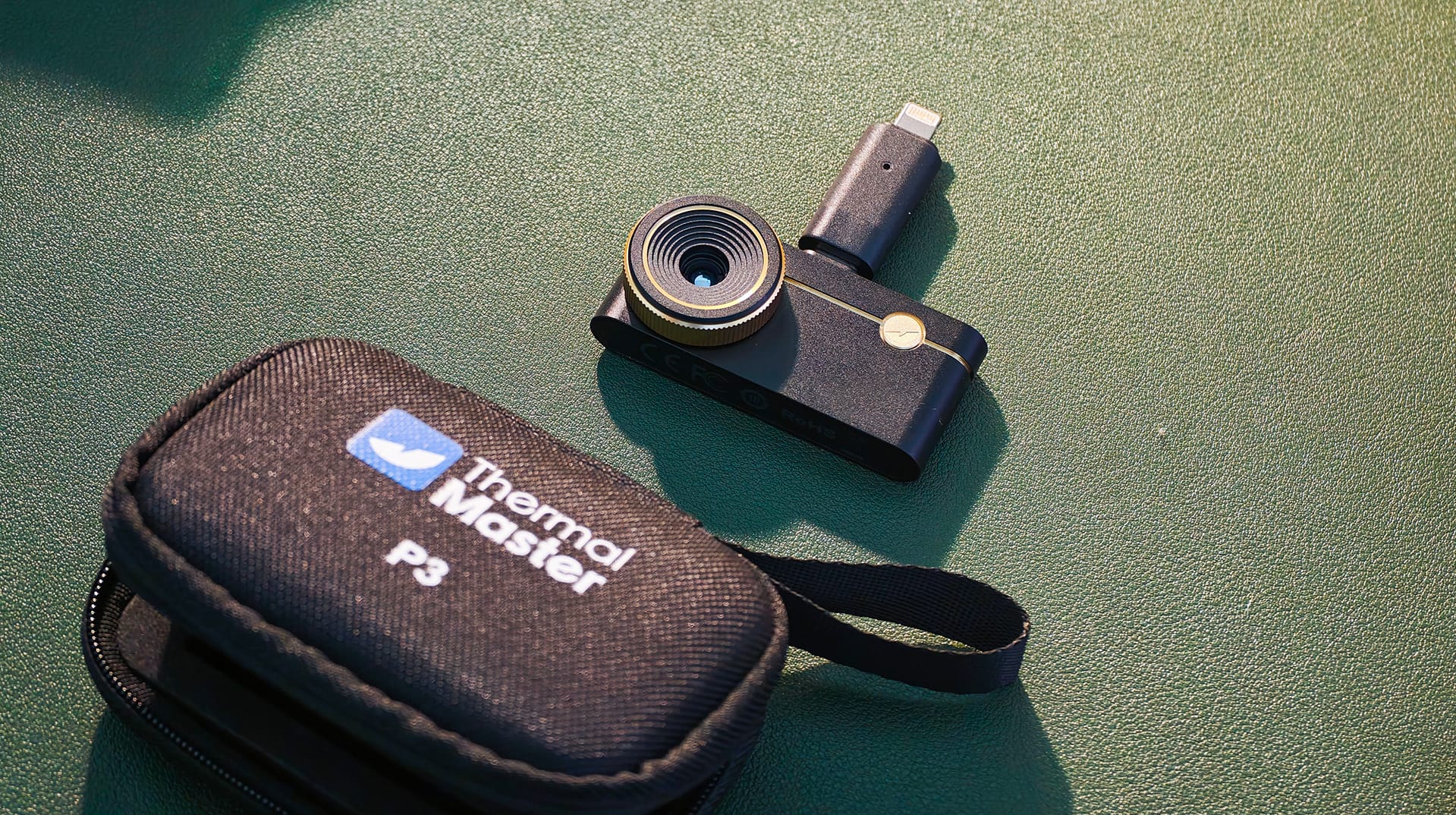
The P3 is a bit bigger than I'd like, but usable, and it sits firmly in the USB-C port. After running for a while, it gets slightly slower to respond. That feels like the hardware, not the app, and it is noticeable without being bothersome. I didn't notice any heating or significant battery drain.
The extension cable in the box makes the camera easier to handle. It also lets you push it into tight spots while you can still see the screen. The carrying pouch is a nice touch for throwing it in a bag.
Verdict
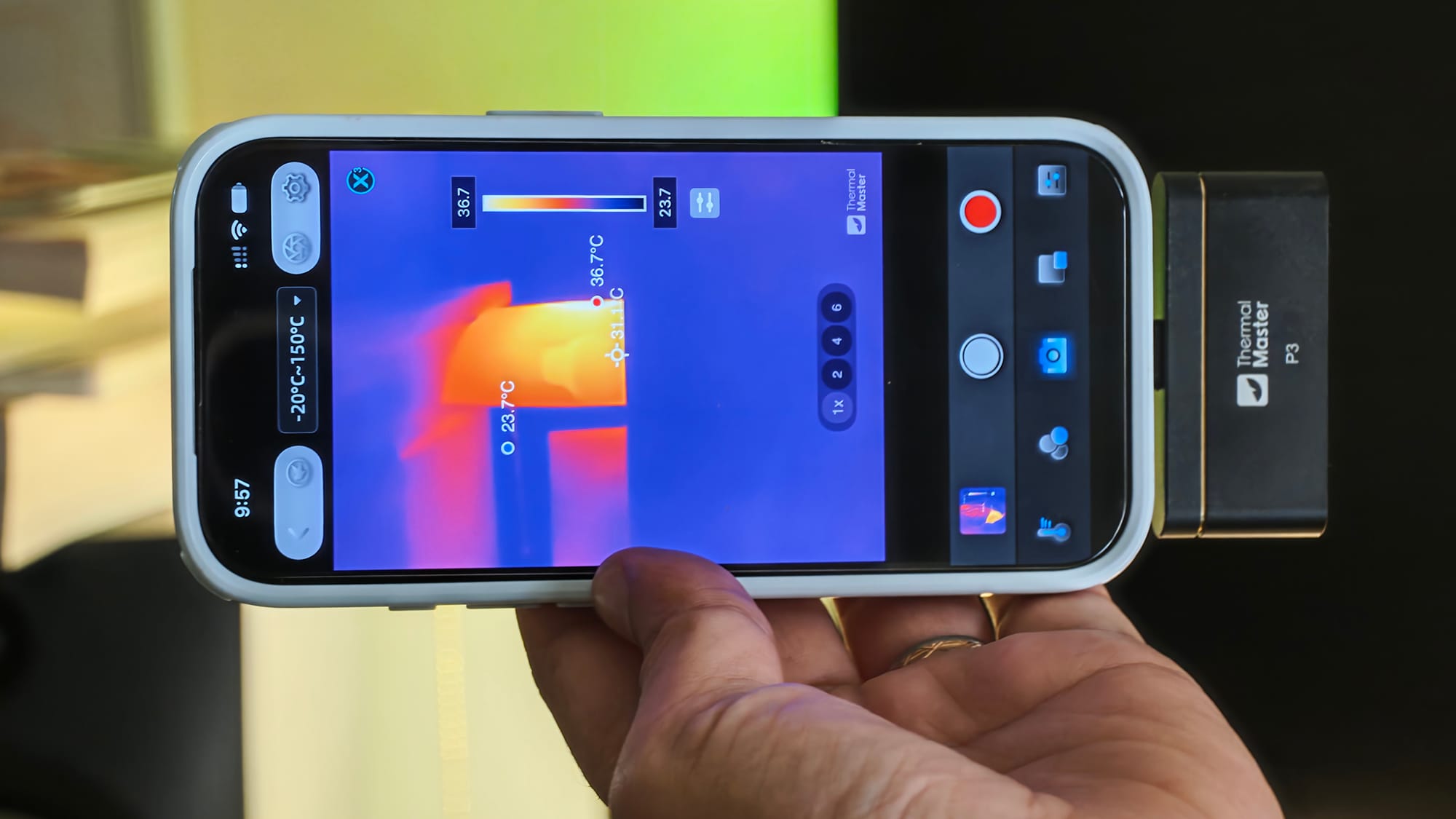
The Thermal Master P3 is for people who like to look closer. For me, that meant investigating the electronics I test and having fun with my dogs and family. For you, it could mean hunting for faults in machines or looking for problems around the house.
The InfiRay P2 Pro is usable for basic jobs, but it has no focus ring, and that makes the P3 the better camera. I just wish it had autofocus and a quieter shutter at this price.
Here are some of my favorite photos I took while testing the P3.